Room Chart
The Room Chart in Retreat Portal displays a quick view of your rooms and occupants for a given day. This is a handy report for a front desk that is handling check-ins or finding available rooms for walk-ins.
Open Room Chart
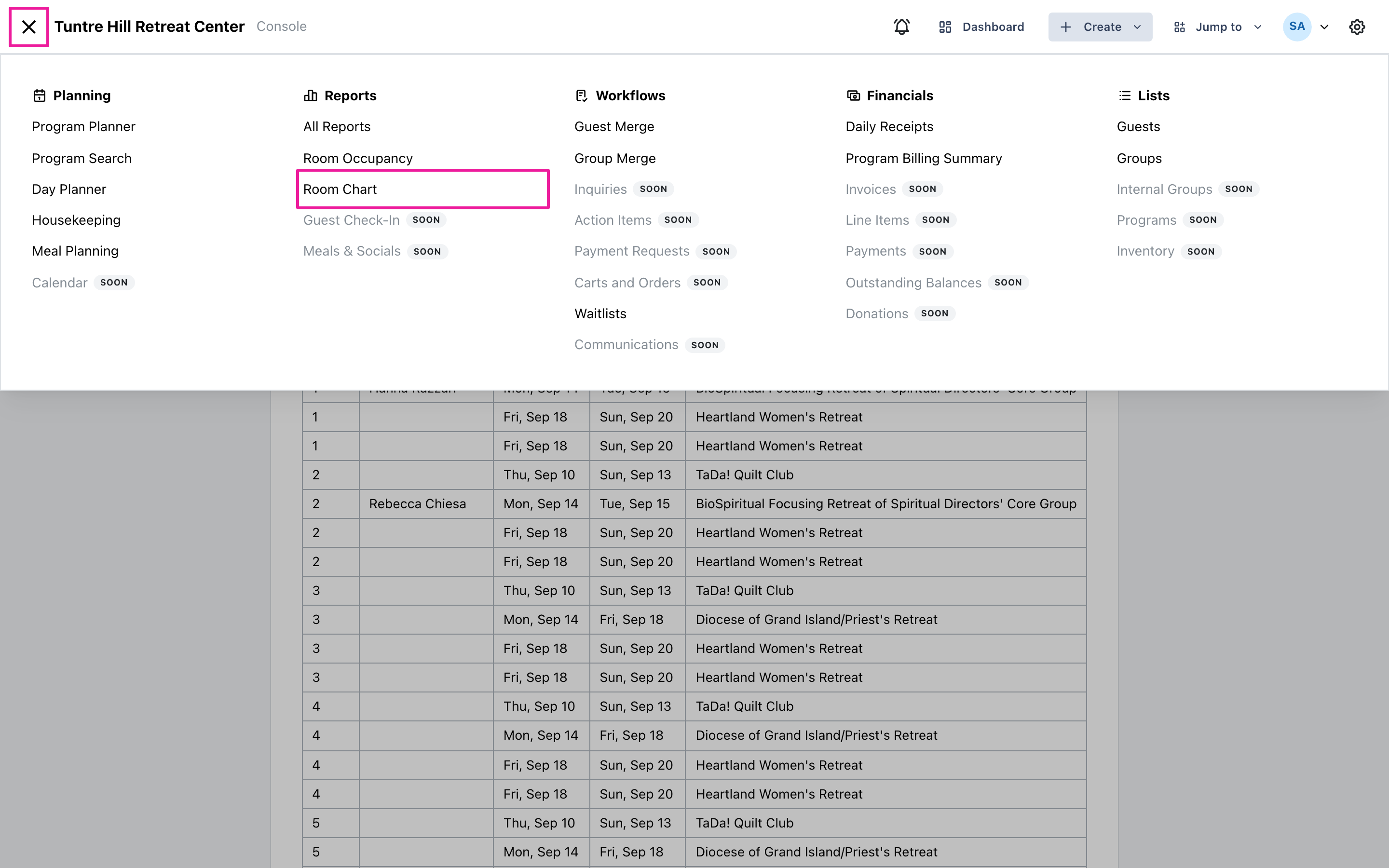
Section titled “Open Room Chart”Click the menu icon on the top-left and select ‘Reports’ > ‘Room Chart’.
Pick the day
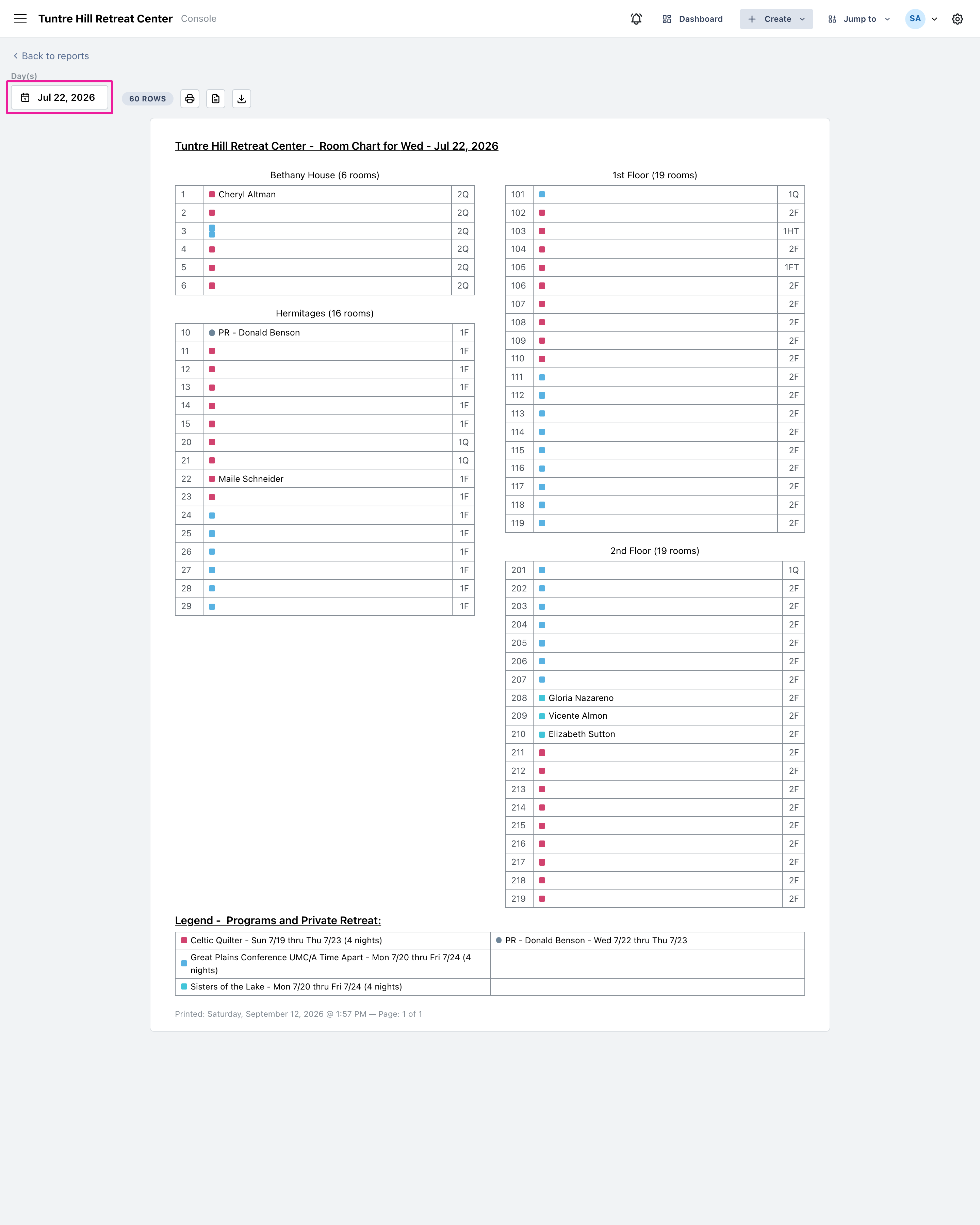
Section titled “Pick the day”The chart opens on today. Click the date button to look at any other day — and if you select a range, you get one page per day, ready to print for the whole week.
Read the chart
Section titled “Read the chart”Each room shows who is sleeping there that night, with the room’s beds on the right (2Q is two queens, 1F is one full). Rooms are color-coded by program, so a colored square with no name is a room held by a group that hasn’t named that guest yet. Open rooms are highlighted and marked ‘(open)’. Private retreatants appear as ‘PR’ with the guest’s name.
The legend at the bottom lists the day’s programs and private retreats with their stay dates, in the same colors as the rooms above.