
Deductions Register
The Deductions Register answers “what did we give away, and who said so?” It lists every deduction entered on an invoice in a date range, one line each, grouped by its ‘Deduction type’ and then by the department it applied to. Run a month before closing the books, read the Discount and Complimentary sections, and every line carries who authorized it. Entering deductions is covered under Deduct a Charge.
Open the Deductions Register
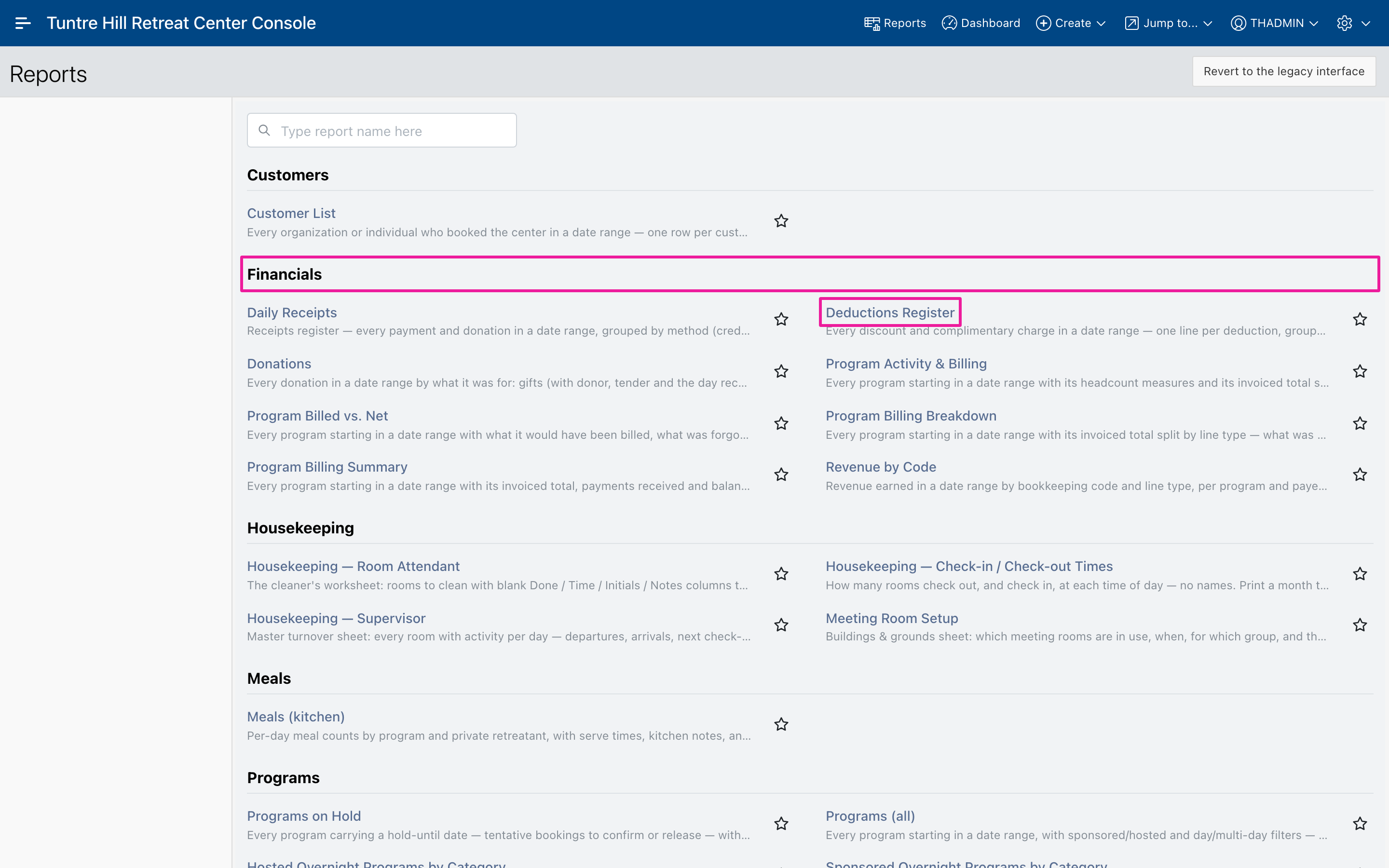
Section titled “Open the Deductions Register”Click ‘Reports’ on the top bar, then find ‘Deductions Register’ in the Financials section.
Read the register
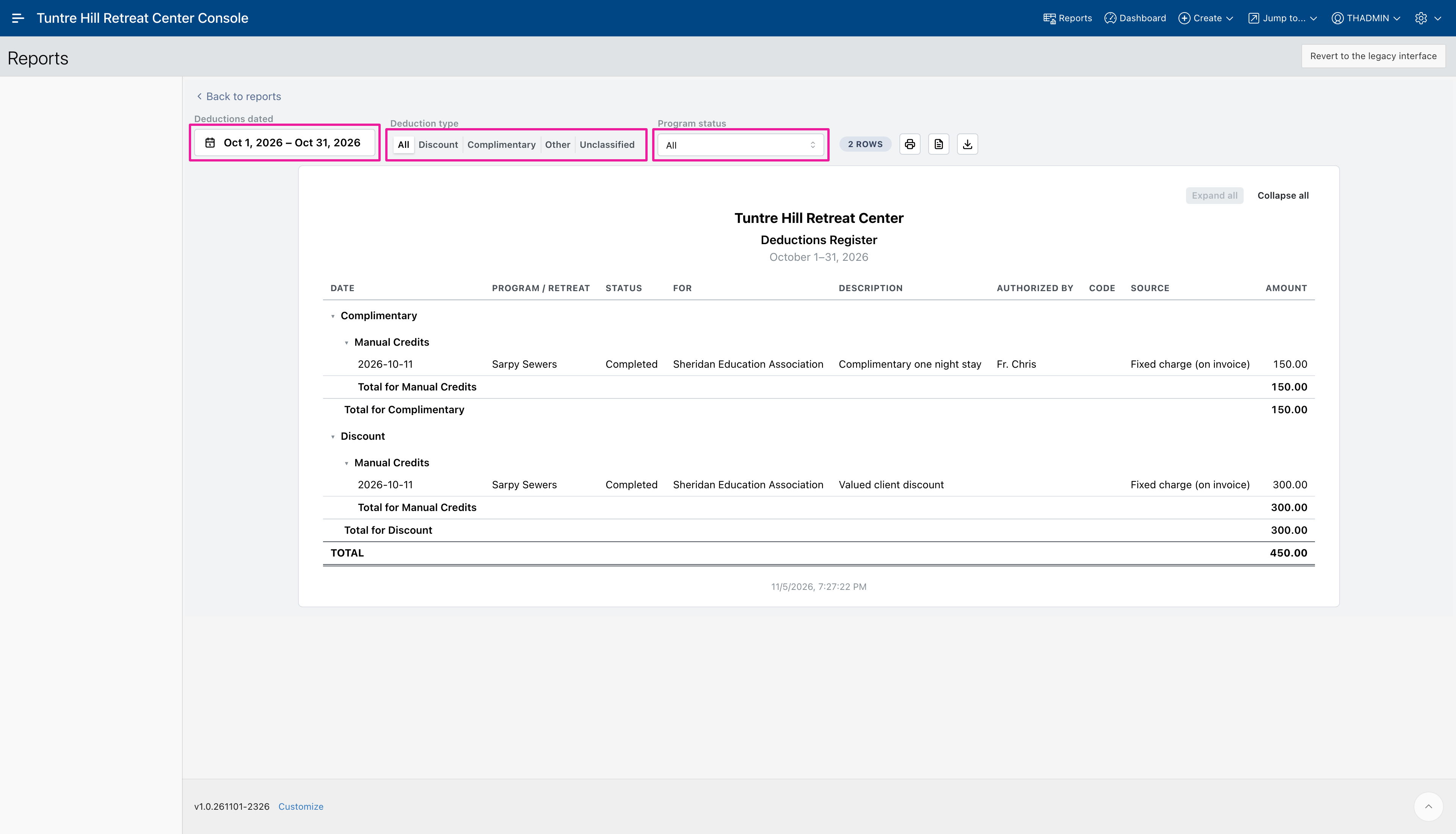
Section titled “Read the register”‘Deductions dated’ picks the stretch of dates the deductions were entered for, and ‘Deduction type’ narrows the list to one section: ‘Discount’, ‘Complimentary’, ‘Other’, or ‘Unclassified’. Inside each section, lines group by the department the deduction applied to, so a meal discount sits under Meals and a deduction with no department sits under ‘Manual Credits’. Each line shows the date, the program or retreat with its ‘Status’ — Planned, Ongoing, or Completed, or Cancelled or Deleted for a program that didn’t run — who it was for, the description, who authorized it, where it came from, and the amount, with a total under each group. ‘Program status’ narrows the register by that status; it starts on ‘All’, so a cancelled program’s deductions stay visible until you filter them out. Credits typed onto invoices before this feature carry no deduction type, so they’re listed under ‘Unclassified (legacy)’.
A deduction is already inside the program’s billed numbers. The Program Activity & Billing and Program Billing Breakdown reports show per-program ‘Discounted (memo)’ and ‘Complimentary (memo)’ totals, and this register is where those totals open up line by line.
Use the printer icon to print it, or the two icons beside it to export a Word document or a CSV file.