
The Donations Report
The Donations report lists every donation your center received in a date range, grouped by what the giving was for: the program it was designated to when there is one, otherwise the cause, otherwise the general fund. Daily Receipts shows the same gifts on the cash side, each under its payment method; this is the other ledger — run it for a month’s giving, or for the year when it’s time for the giving summary.
Open Donations
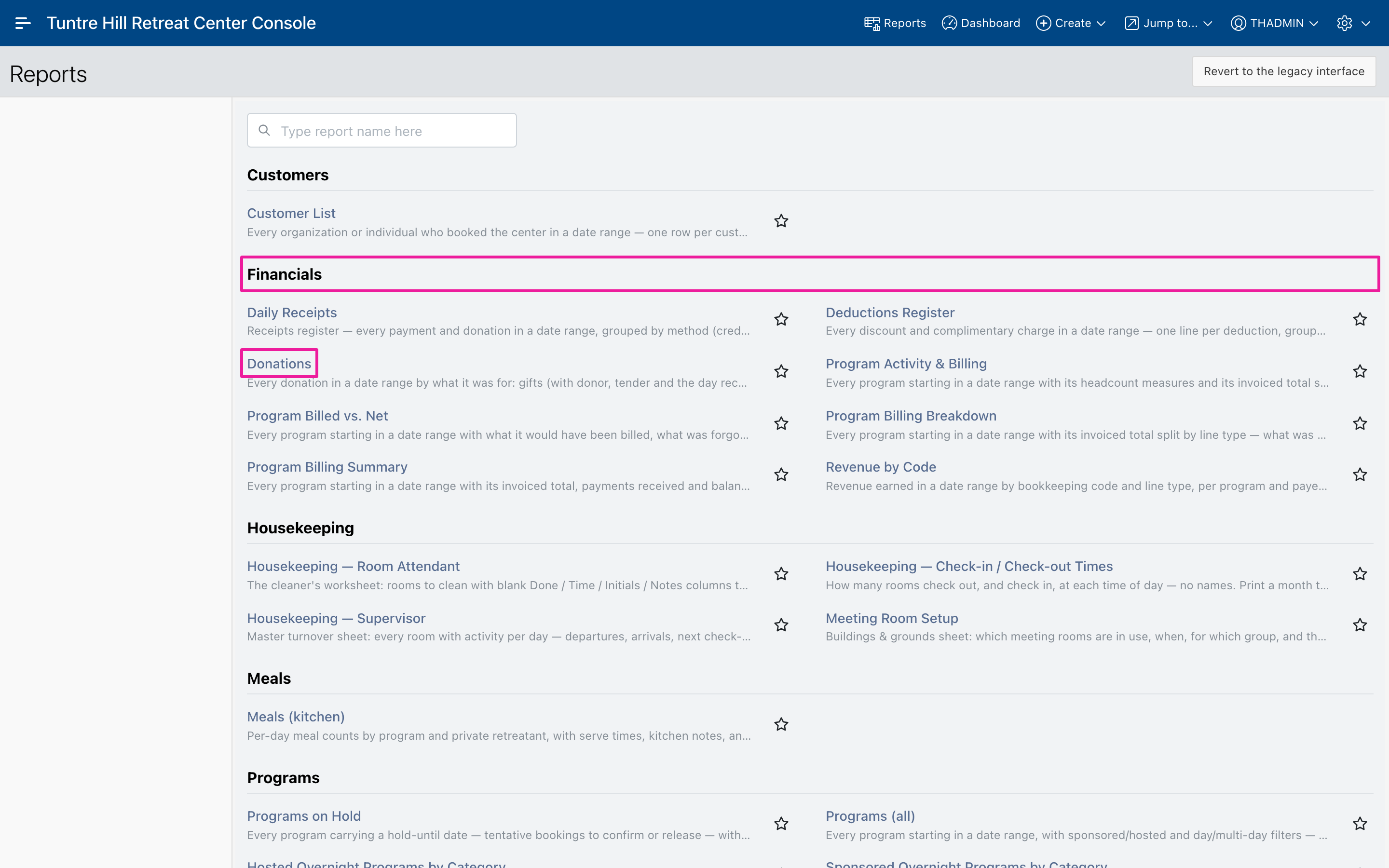
Section titled “Open Donations”Click ‘Reports’ on the top bar, then find ‘Donations’ in the Financials section.
Pick the dates and the basis
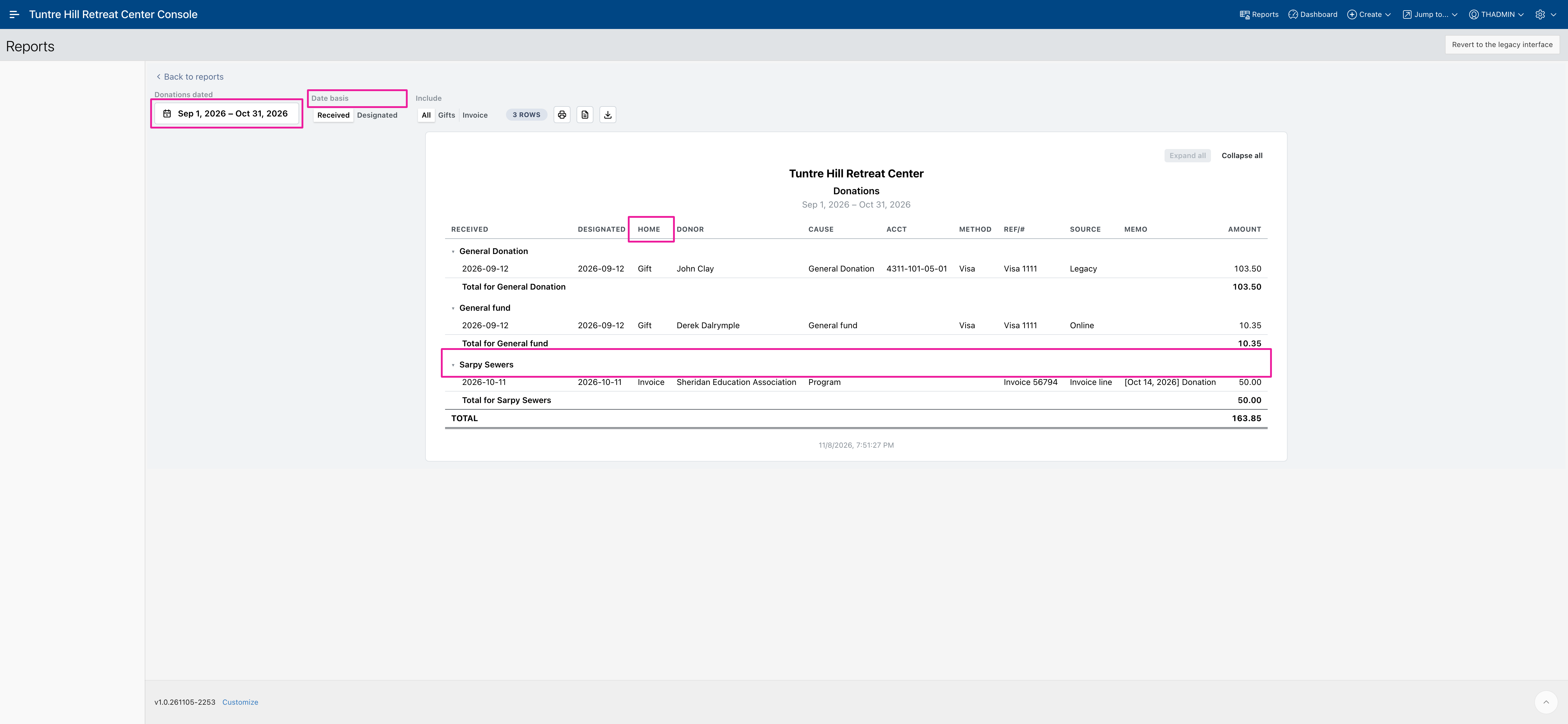
Section titled “Pick the dates and the basis”The report opens on the current month; ‘Donations dated’ takes any range.
‘Date basis’ decides which day a donation belongs to. ‘Received’ lists each one on the day the money arrived — the view that matches Daily Receipts. ‘Designated’ lists it on the day it became a donation. For most gifts the two are the same day, but a donation can be split from an earlier payment — a group overpays and later tells you to keep the difference as a gift — and on the ‘Designated’ basis it lands in the month that was decided. Whenever a run holds a gift designated after the day its money arrived, a ‘Late’ column appears to mark it and a note above the report counts them.
‘Include’ narrows the report to one home — ‘Gifts’ or ‘Invoice’ — explained next; ‘All’ is the default.
Read it
Section titled “Read it”Each row is one donation. ‘Home’ says where it lives in your books. ‘Gift’ is a donation recorded as its own entry, with the donor, the day received, the payment method, and the reference. ‘Invoice’ is the older way of recording giving — a donation line on an invoice — dated by its invoice, with the invoice’s payer as the donor and no payment method of its own. Both kinds appear together, so the report is complete however a donation was entered.
‘Donor’ is the guest who gave, or their group, or ‘Anonymous’ when the gift wasn’t tied to either. ‘Cause’ and ‘Acct’ carry the gift’s cause and its bookkeeping code, the same pair Daily Receipts shows. ‘Source’ says how the gift arrived — given online, recorded by your staff, kept from an overpayment, and so on — and a gift split from a payment names the payment it came from.
Use the printer icon to print the report, or the two icons beside it to export a Word document or a CSV file.