Where Meetings and Socials Show Up
Book a meeting once and it shows up wherever people need it — the planners, the housekeeping pages, the schedule reports, and, for socials, the kitchen’s sheets. This page is the map.
The planners
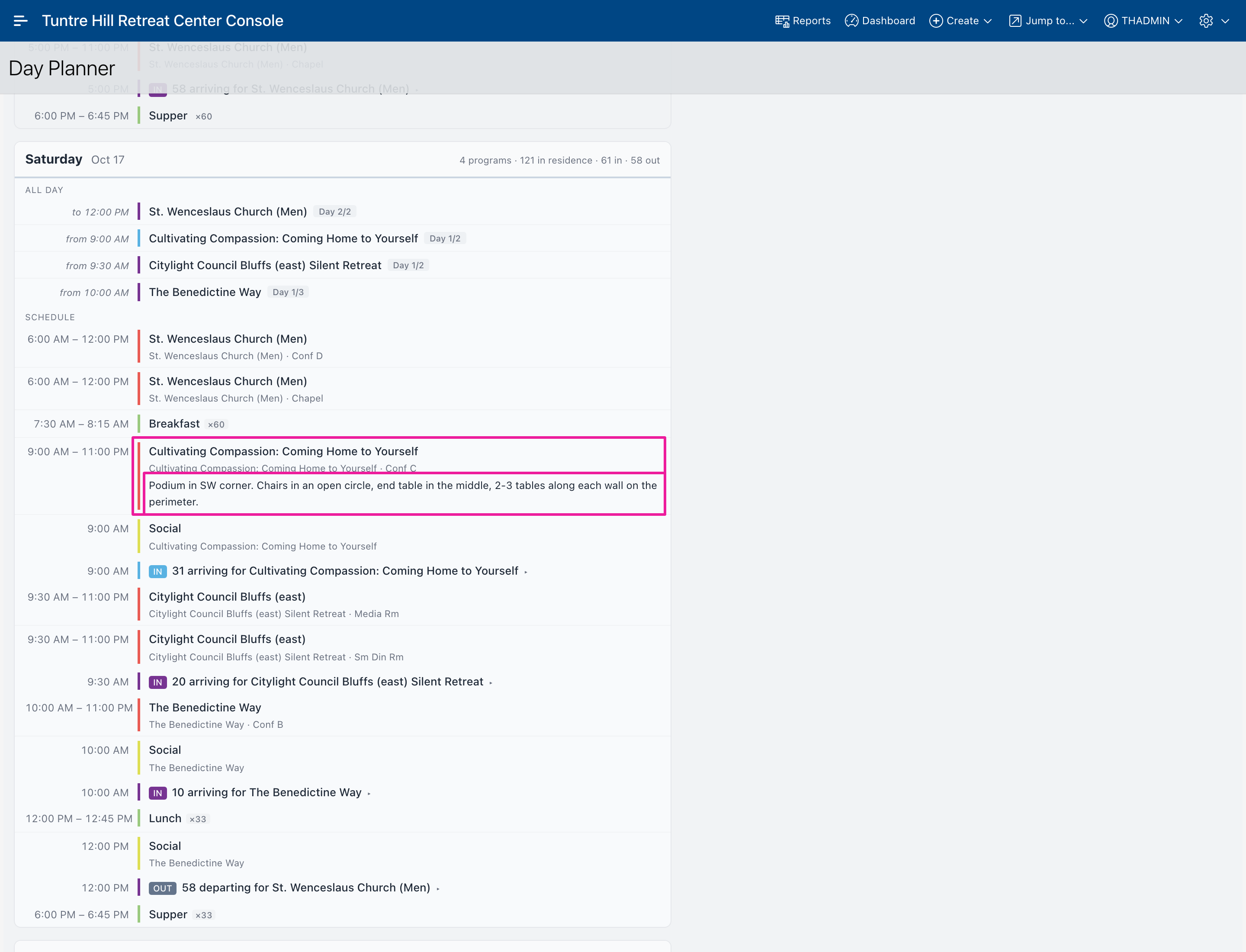
Section titled “The planners”The Program Planner shows each meeting as a band in its room’s column. The Day Planner lists it at its time with the program and room under the title and the setup note under that, so whoever reads the day sees how the room is to be set.
Housekeeping
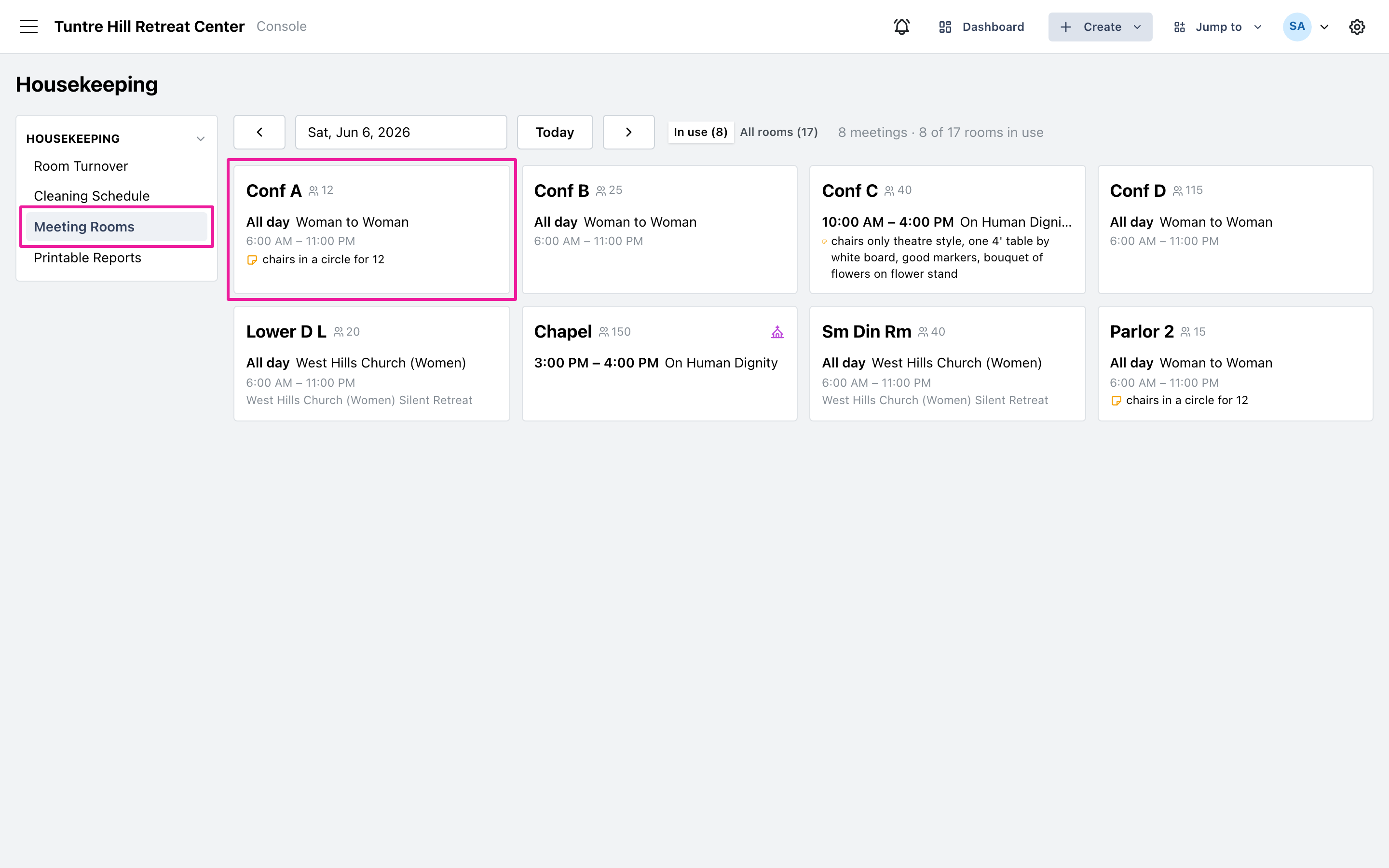
Section titled “Housekeeping”Meeting Rooms for the Day shows every meeting space on a given day with its setup note, and the Meeting Room Setup sheet puts the same on paper for the setup crew — with each meeting’s socials as child lines under it when its ‘Socials’ switch is on.
Reports
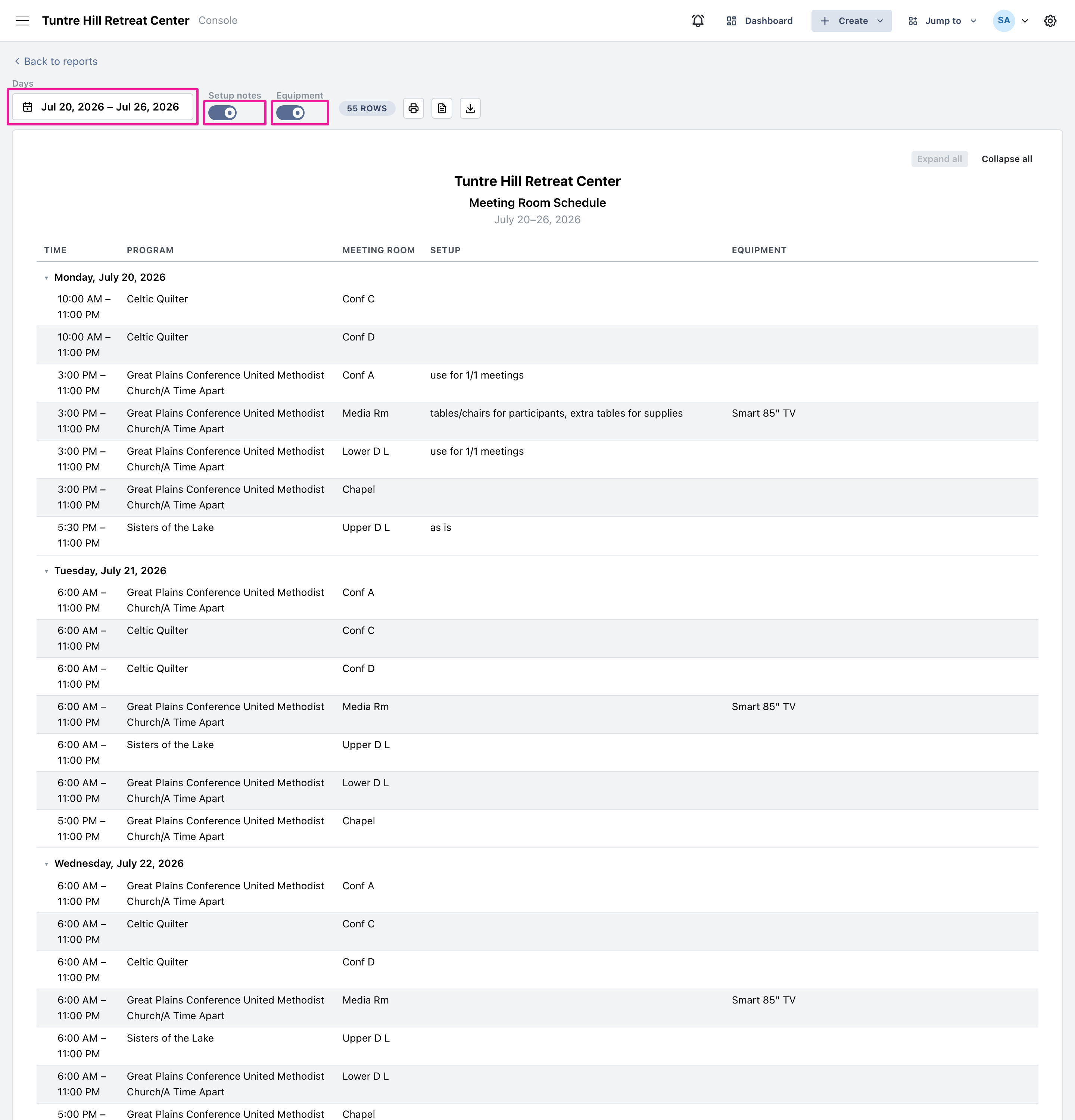
Section titled “Reports”Click ‘Reports’ on the top bar; the Schedules section holds the meeting reports.
- Meeting Room Schedule — every booking by day with the setup notes and the requested equipment; the setup crew’s sheet.
- Meeting Room Schedule by Room — the same schedule resorted room by room.
- Meeting Room Bookings — one line per room for each stretch of days a program holds it, with double-bookings called out.
- Meeting Room Calendar — when each room is in use and when it sits open.
- Program Schedule — the program-level view of what is ongoing, starting, and ending each day.
- Overbooked Meeting Rooms (in the Rooms section) — every room booked twice at the same time in a date range; the audit behind the list’s yellow badges.
The kitchen
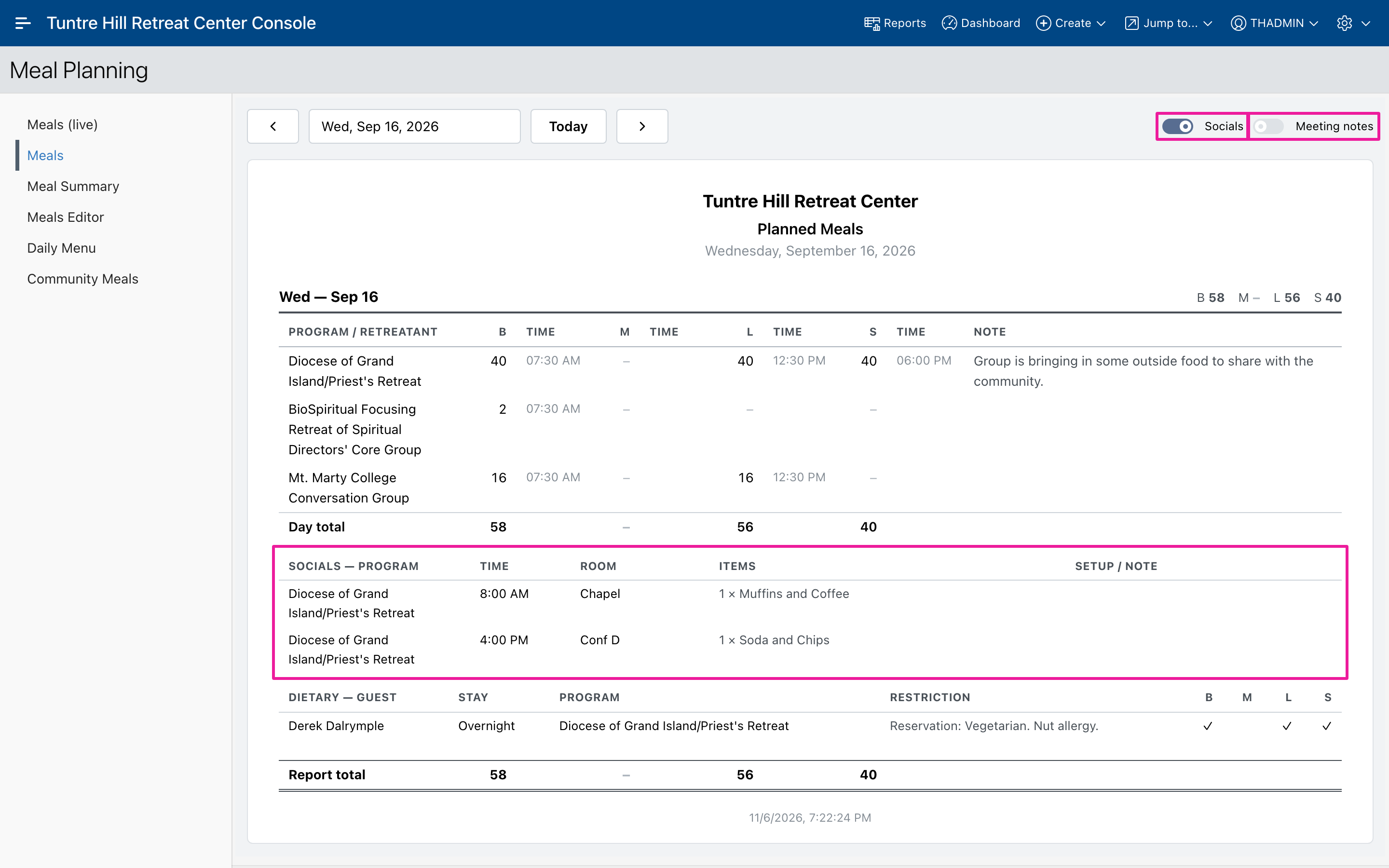
Section titled “The kitchen”Socials reach the kitchen through Meal Planning. Turn on ‘Socials’ and they appear on the meal sheet for one day between the meals and the dietary table, on the Meal Summary, and on today’s live board, where a finished social greys out like a served meal. Reading the Meal Sheet explains the socials table column by column.