
Opening Housekeeping
The housekeeping pages — the ‘Turnover’ board, the ‘Turnover Forecast’, the ‘Cleaning Calendar’, ‘Meeting Rooms’, and ‘Printable Reports’ — live in two places in Retreat Portal, and both show the same thing. The office usually opens them inside Retreat Portal itself; the crew usually opens the Housekeeping app, which is the same five pages on their own, with nothing else in the way. Pick whichever suits the device in your hand, and the rest of the housekeeping tutorials read the same either way.
From the main menu
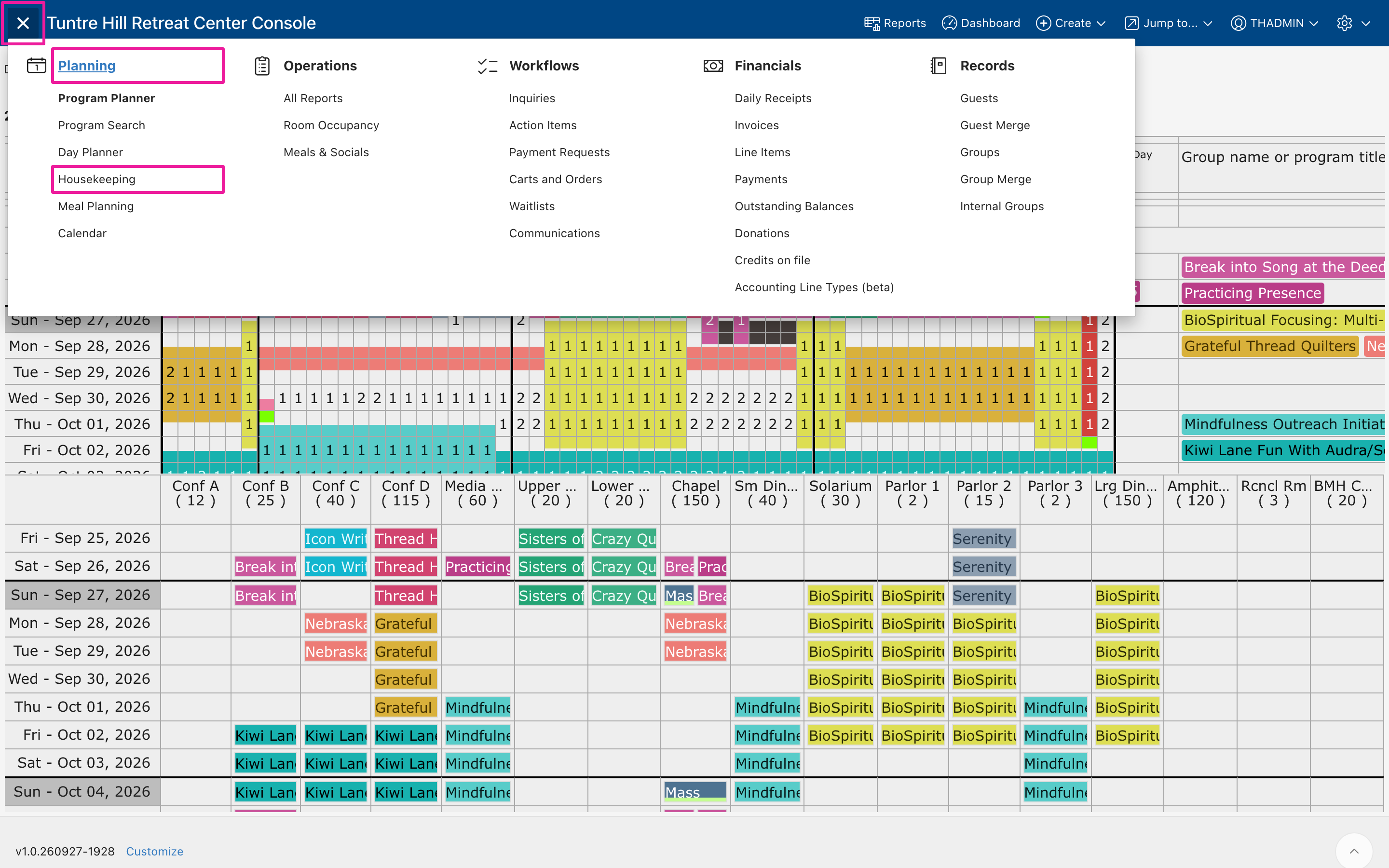
Section titled “From the main menu”Click the menu icon on the top-left and select ‘Planning’ > ‘Housekeeping’.
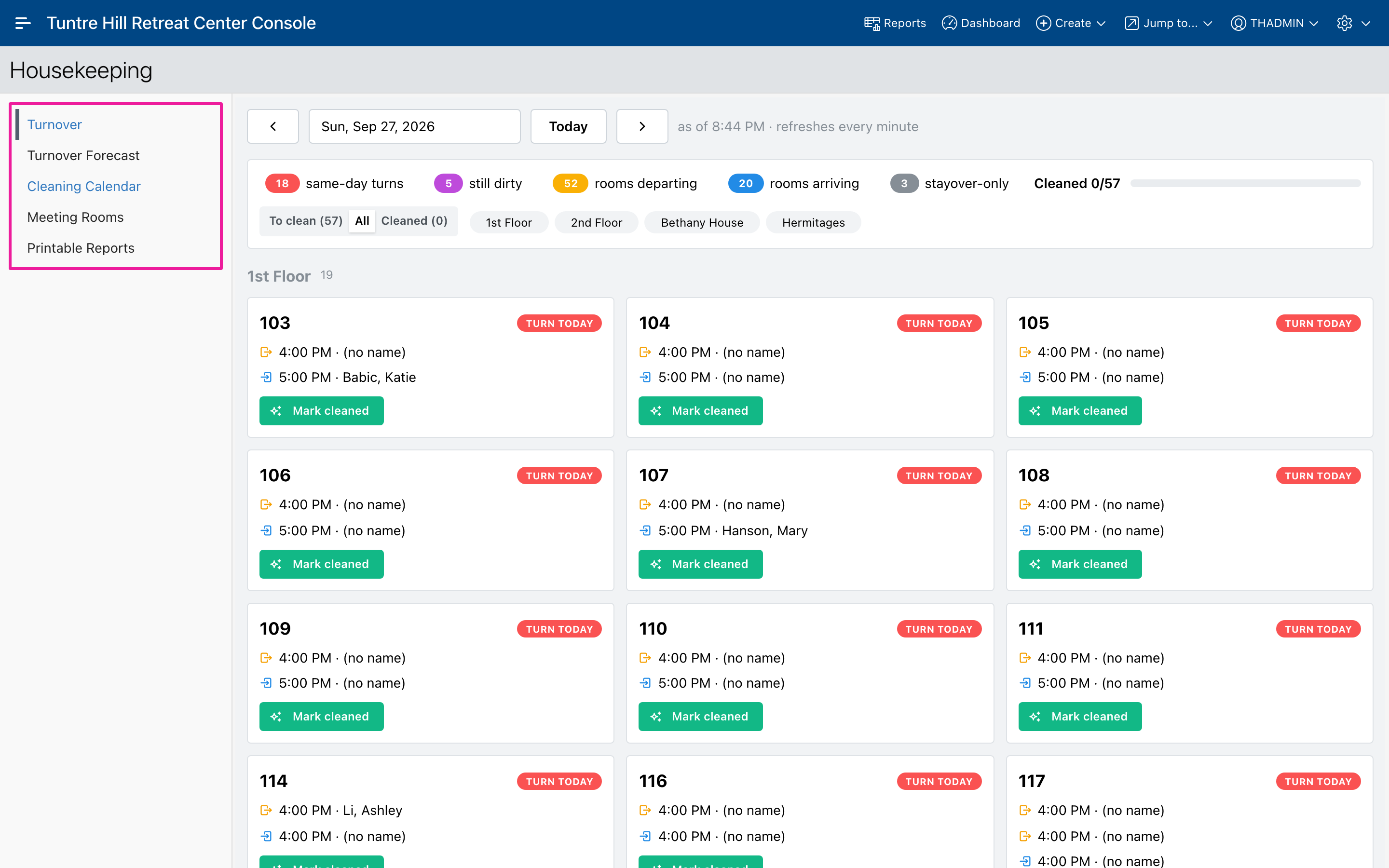
The Housekeeping page opens on ‘Turnover’. The list on the left holds the other pages; click one to switch. This is the path the other tutorials describe.
From the Housekeeping app
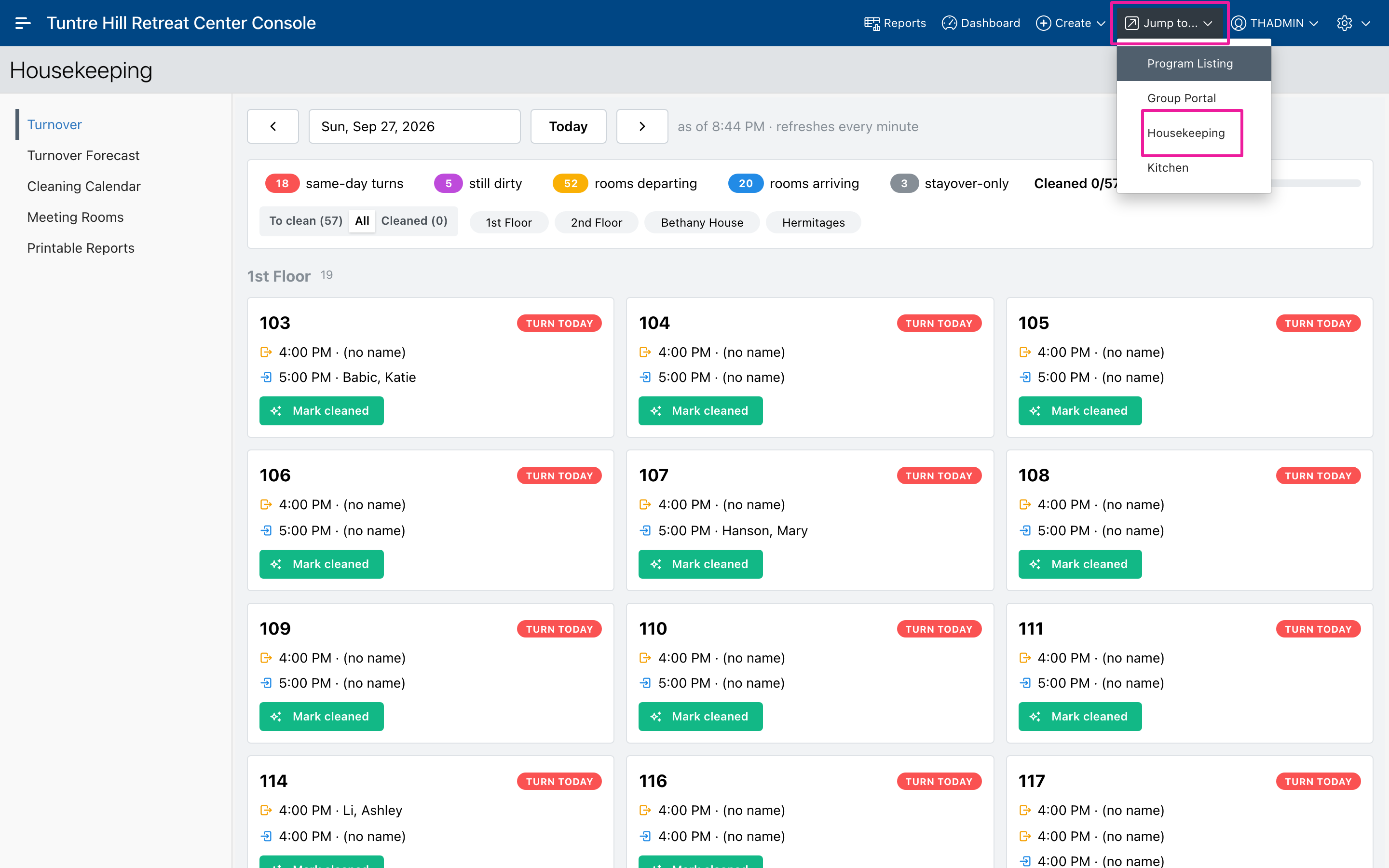
Section titled “From the Housekeeping app”Click ‘Jump to…’ on the top bar and select ‘Housekeeping’. The Housekeeping app opens in a new tab, so Retreat Portal stays where it was.
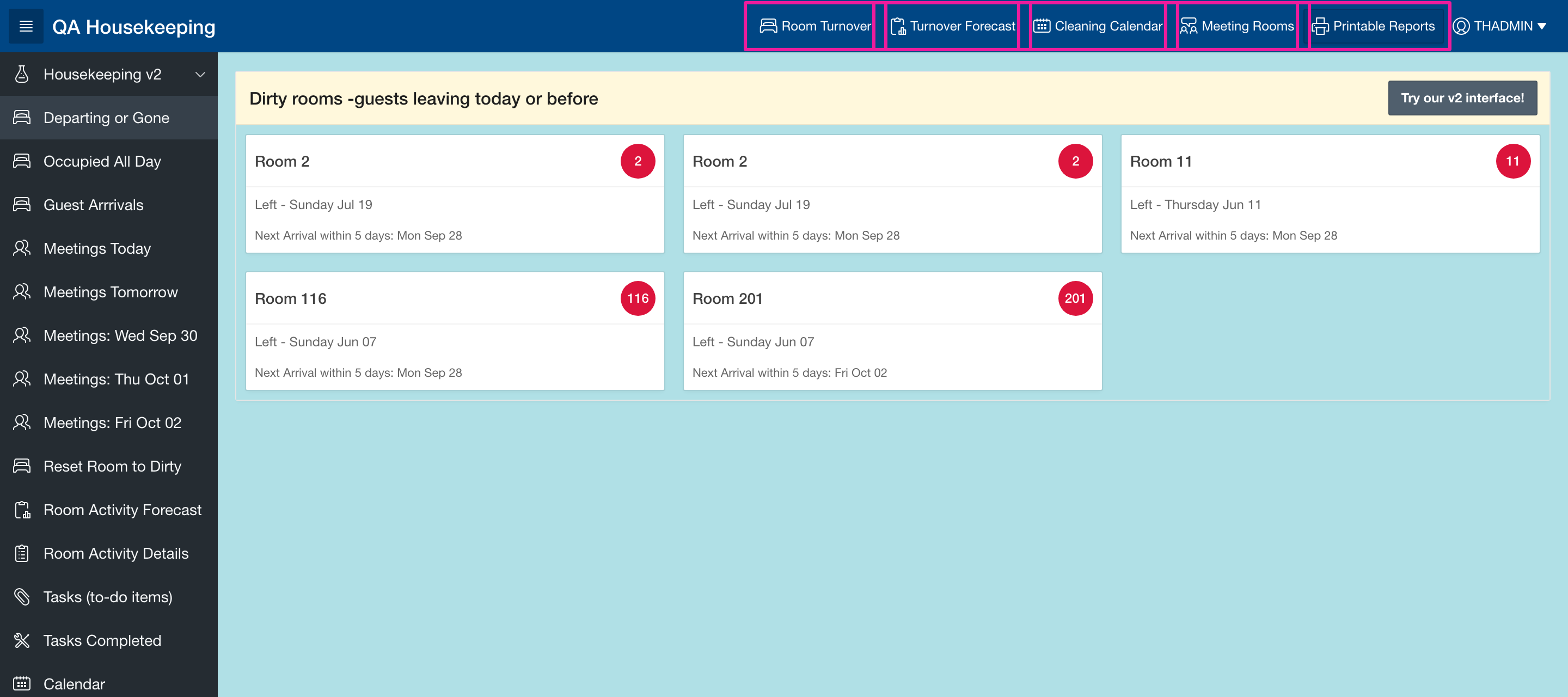
In the Housekeeping app, the same five pages are the buttons across the top: ‘Room Turnover’, ‘Turnover Forecast’, ‘Cleaning Calendar’, ‘Meeting Rooms’, and ‘Printable Reports’. Use those buttons. The menu down the left side of the app is the older set of housekeeping pages and is not what these tutorials describe; you can leave it closed.
The Housekeeping app is the one to bookmark on a tablet at the housekeeping station or on the cart, since it opens straight to these buttons with no menus to work through. Set Up the Board for Your Crew covers the rest of that setup.