
Arrivals & Departures
Arrivals and Departures are the front desk’s daily rosters: who checks in (or out) each day, with their arrival time, room, program, and length of stay. Each day prints on its own page, so the desk starts every morning with a fresh sheet.
Open Arrivals or Departures
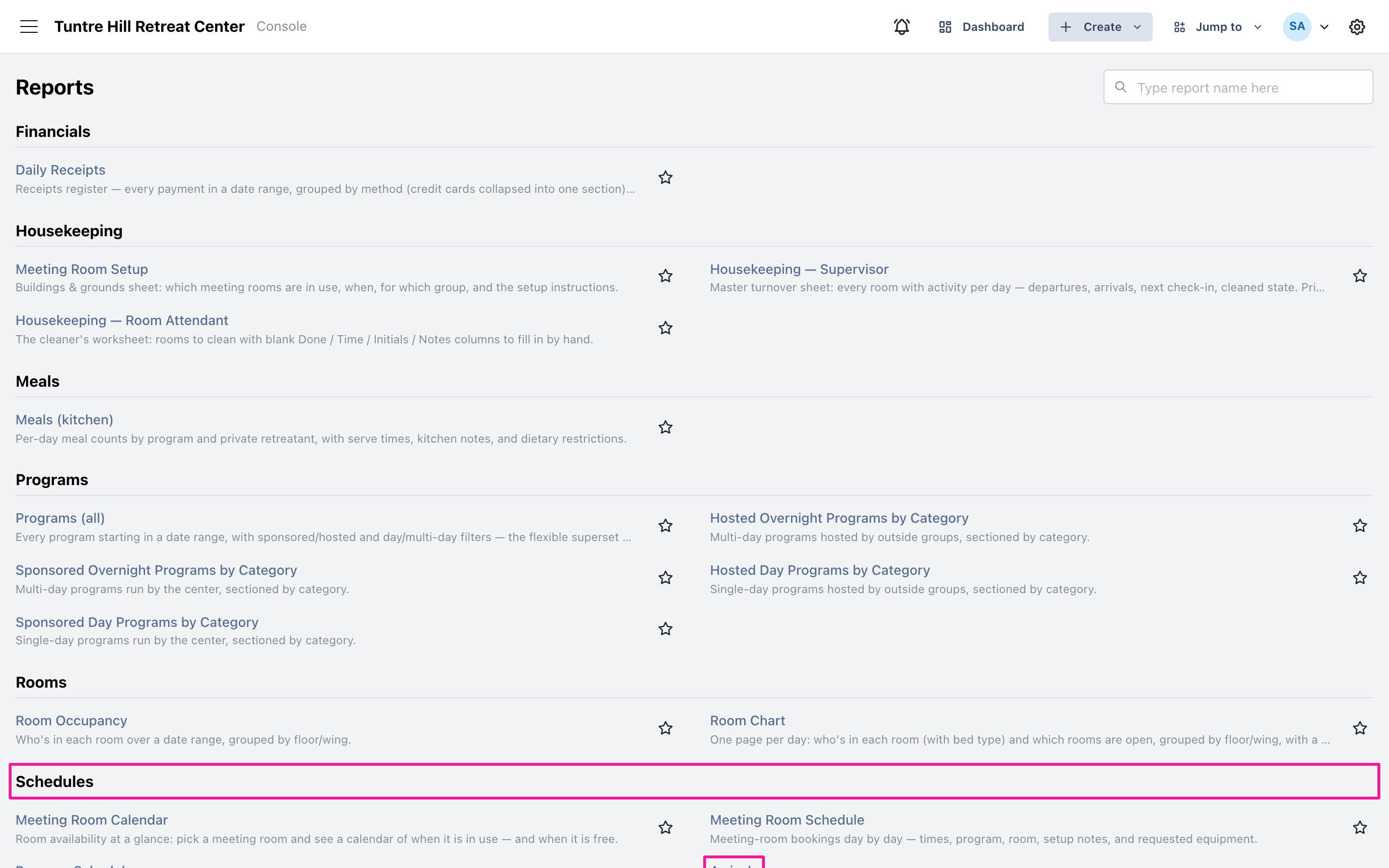
Section titled “Open Arrivals or Departures”Click the menu icon on the top-left and select ‘Reports’ > ‘All Reports’ — both reports sit side by side in the Schedules section. They read the same way, so everything below applies to both.
Pick the days
Section titled “Pick the days”The report opens on today — the working roster. Click the date range button to run several days at once; every day gets its own page, one printed sheet per morning.
Read the roster
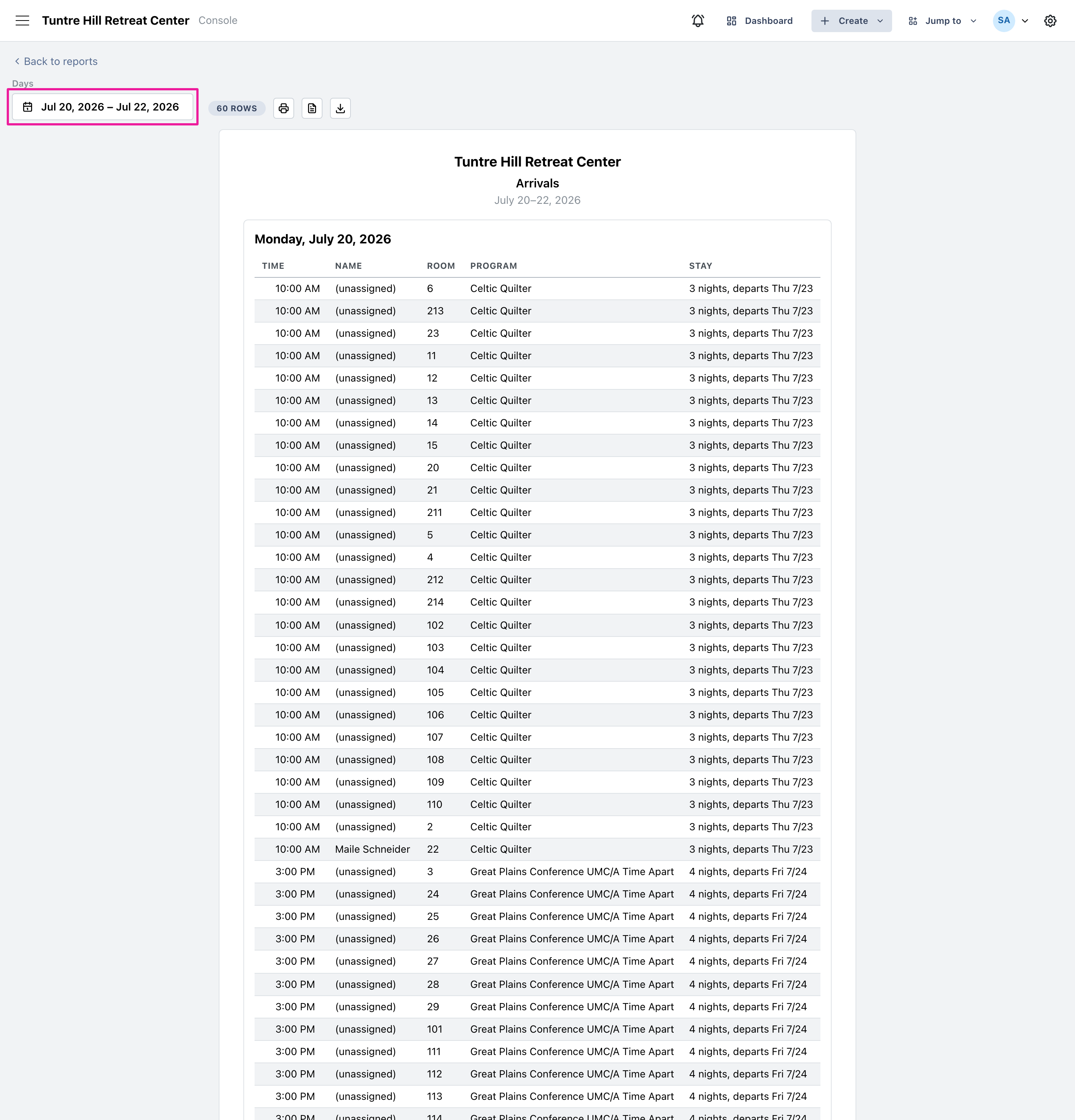
Section titled “Read the roster”Arrivals are listed in time order: when each guest is due, their name, room, program, and the stay — nights plus the paired date (“3 nights, departs Thu 7/23”), so the desk can answer “until when?” without looking anything up. A ‘(unassigned)’ name is a room held by a group that hasn’t named its guests yet.
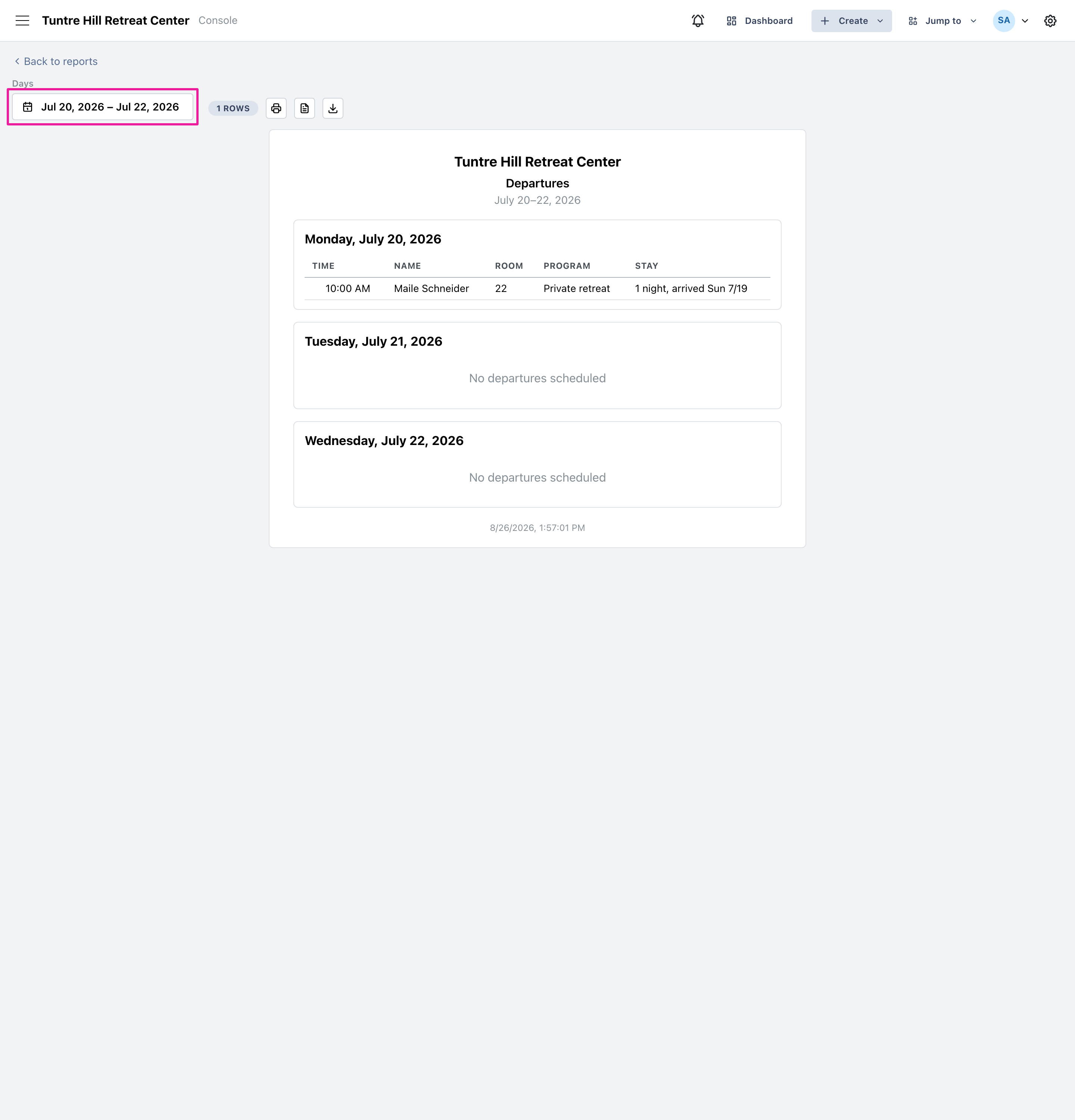
Departures mirror it exactly — who leaves, when, and from which room, with the stay column showing when they arrived.
Use the printer icon to print the roster — a multi-day run comes out one page per day. The two icons beside it export a Word document or a CSV file.