
Customer List
The Customer List answers “who booked the center?” for any date range — every organization and individual, one row per customer, with their contact details, how many bookings they made, and their first and last booking. It’s the report to pull when you’re building a mailing list or sizing up the year’s customer base.
Open Customer List
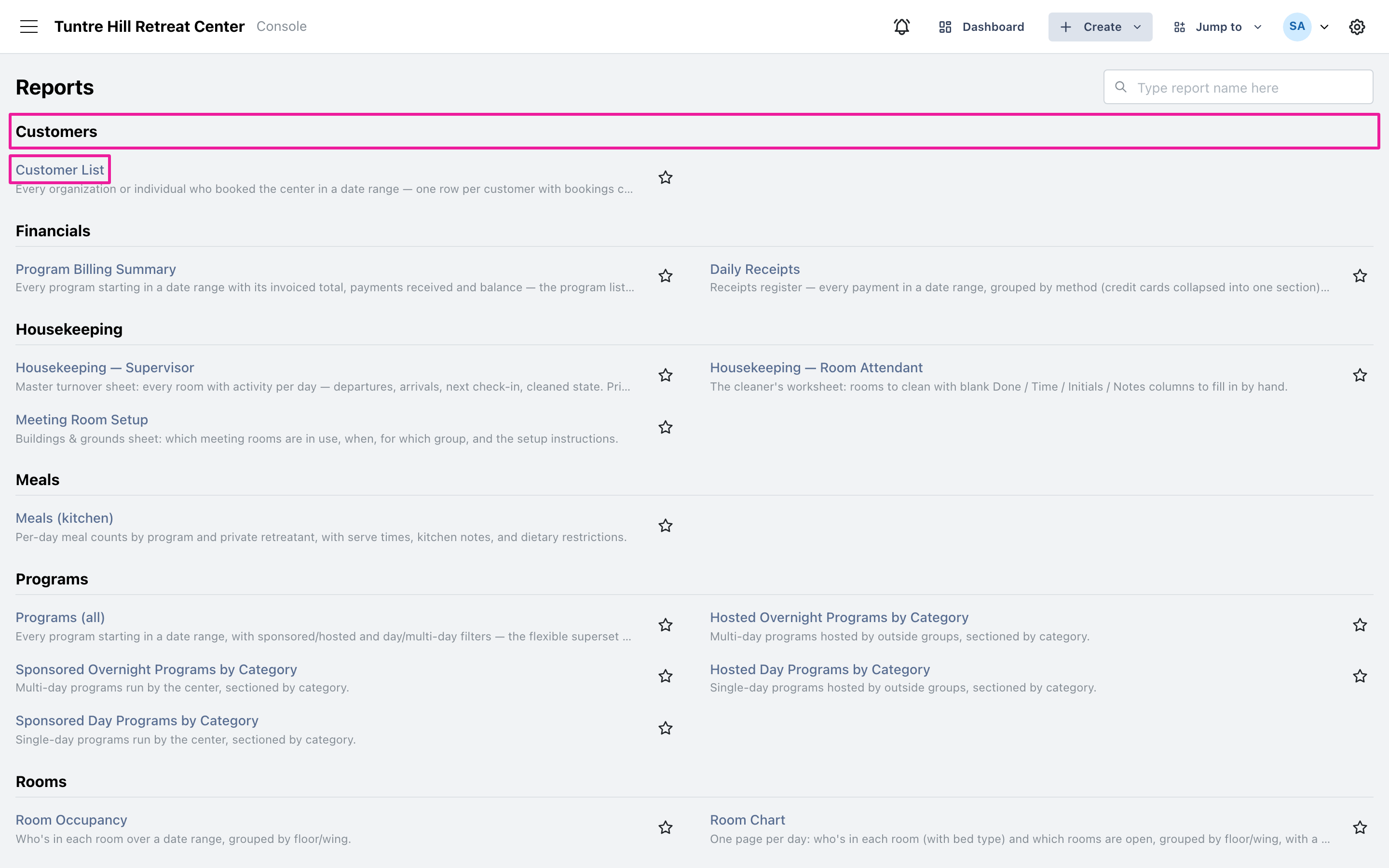
Section titled “Open Customer List”Click the menu icon on the top-left and select ‘Reports’ > ‘All Reports’, then find ‘Customer List’ in the Customers section.
Pick the range and who counts
Section titled “Pick the range and who counts”‘Bookings starting in’ opens on the current year; click it to run any other stretch. The ‘Include guests of the center’s own programs’ switch is off to start, so the list shows the organizations and individuals who booked the center directly — turn it on to also count each guest who attended one of your own sponsored programs.
Read the list
Section titled “Read the list”Unlike the printed reports, this one is a working grid — click any column header to sort, so a click on ‘Bookings’ ranks your most frequent customers, and ‘Last booking’ surfaces who hasn’t been back in a while. Each row carries the customer’s type, contact person, email, and phone, ready for a mail-merge export.
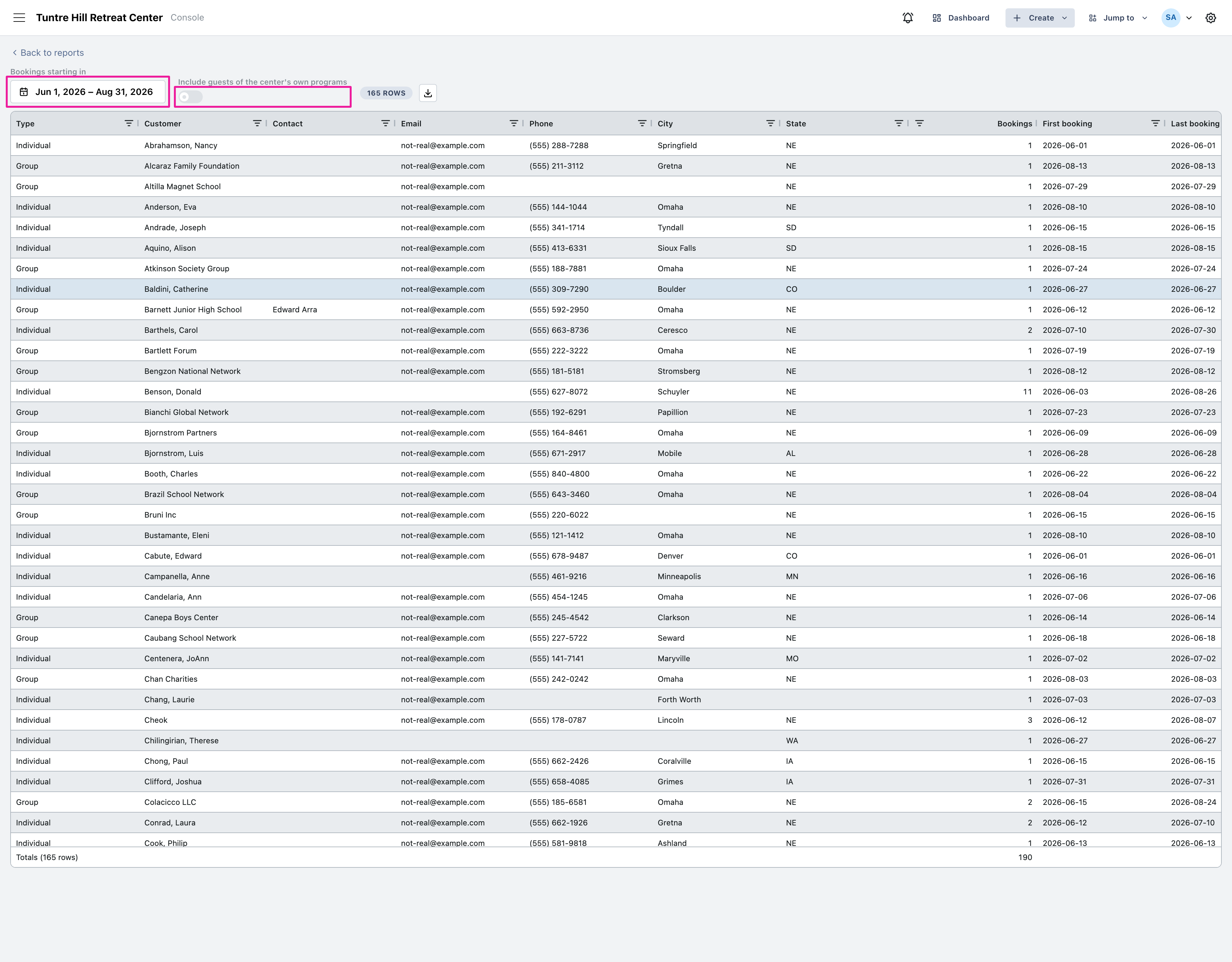
Use the export icon to download the list as a CSV file for your mailing tool.