
Payment Requests
A payment request is an email asking a guest or group to pay an amount on an invoice, with a link to a page where they pay by card. You choose how much to ask for, when the email goes out, and the date payment is due; Retreat Portal sends it, shows you when the payer has opened it, and records the payment on the invoice when they pay.
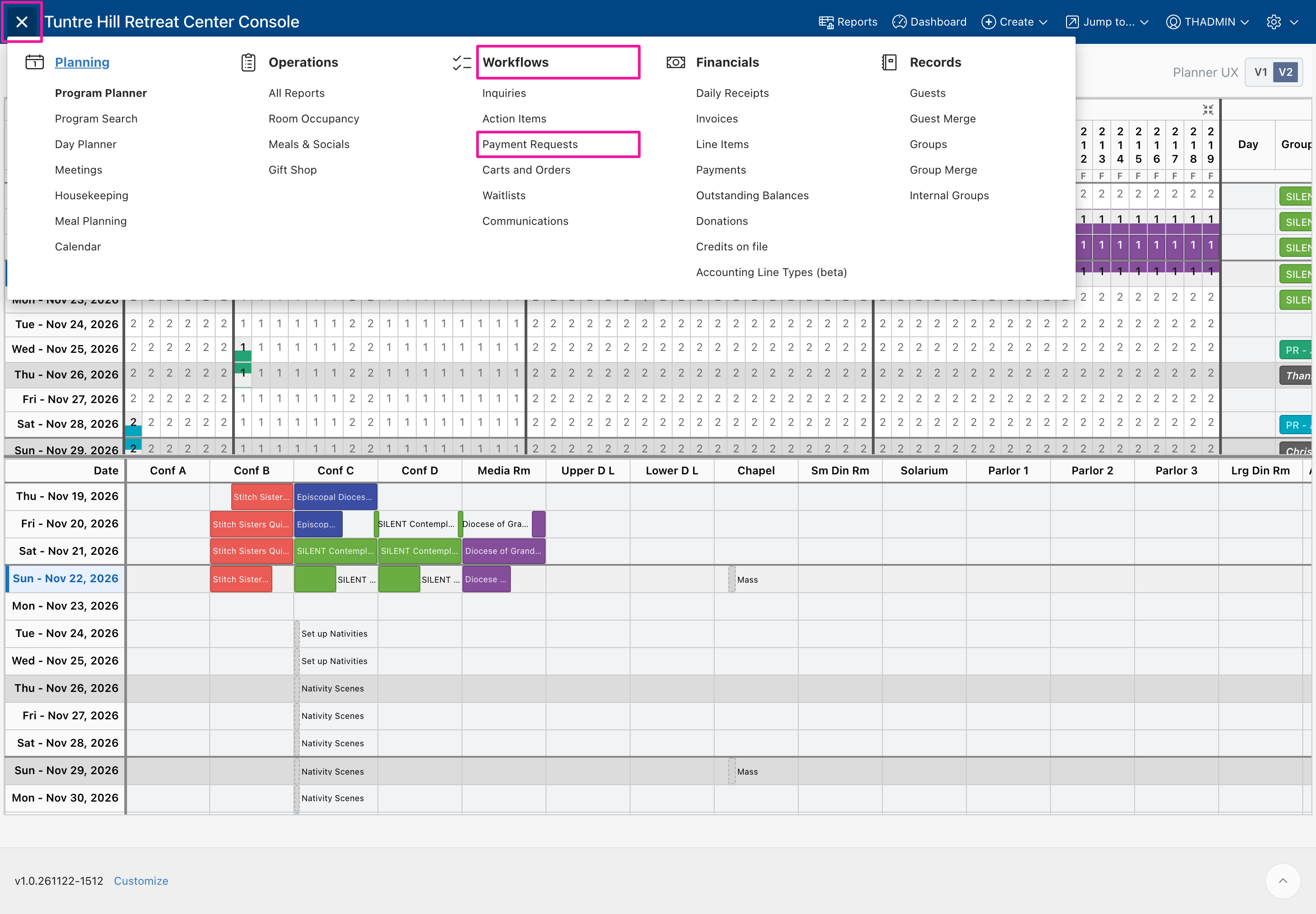
To see every request, click the menu icon on the top-left and select ‘Workflows’ > ‘Payment Requests’. A program’s, reservation’s, guest’s, or group’s page lists its own under ‘Workflow’ > ‘Payment Requests’ on the left.
What the status tells you
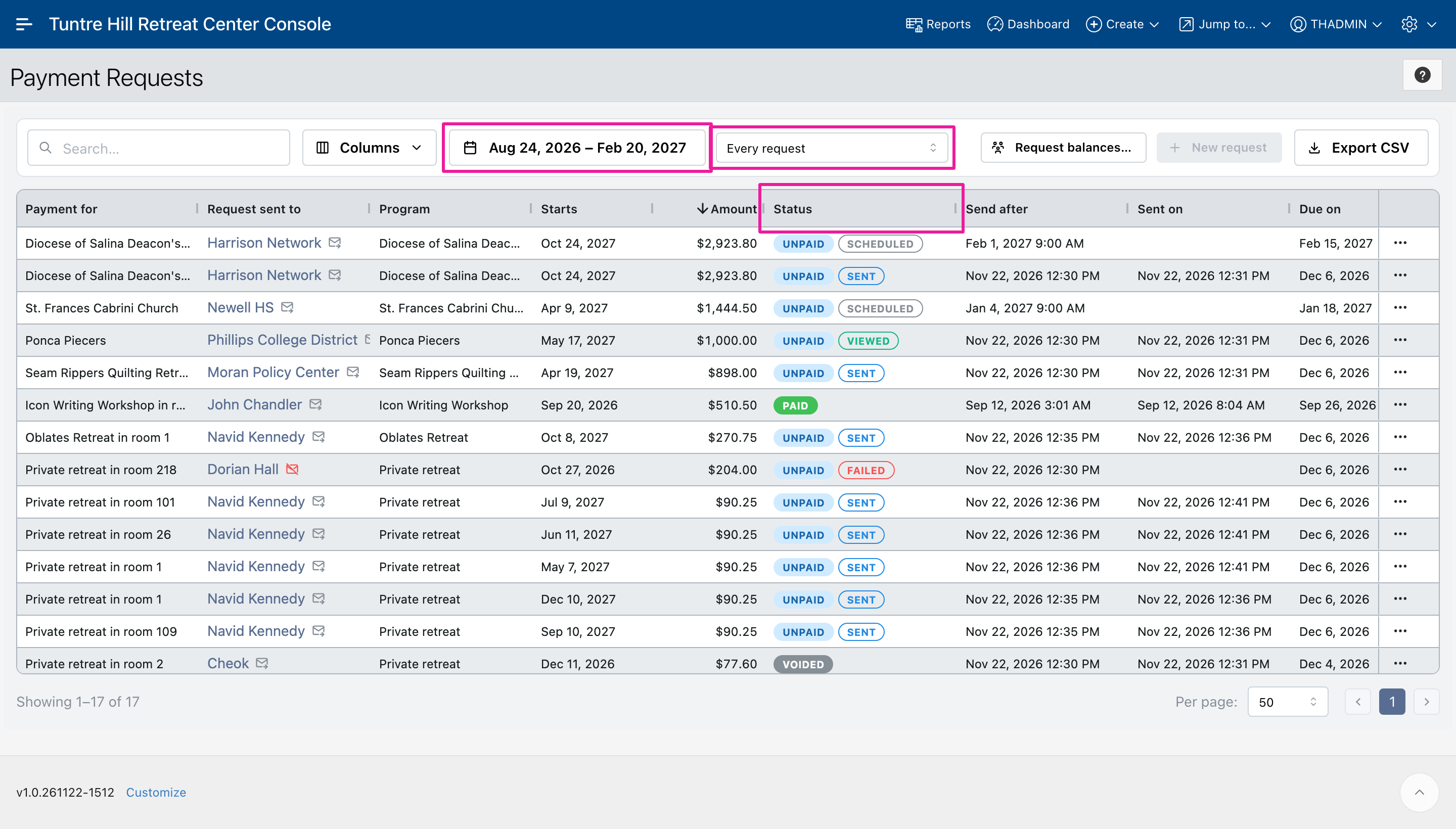
Section titled “What the status tells you”Each request shows whether it has been paid and, until it is, how far the email has got.
| Status | What it means |
|---|---|
| ‘Unpaid’ · ‘Scheduled’ | The email is waiting for its send date. You can still edit or delete the request. |
| ‘Unpaid’ · ‘Queued’ | The send time has passed; the email goes out within five minutes. |
| ‘Unpaid’ · ‘Sent’ | The email went out and the link has not been opened. |
| ‘Unpaid’ · ‘Viewed’ | The payer opened the pay page and has not paid. |
| ‘Unpaid’ · ‘Failed’ | The email could not be sent, usually because there is no email address on file. |
| ‘Overdue’ | The due date has passed without a payment. |
| ‘Paid’ | The payer paid through the link. |
| ‘Voided’ | You cancelled the request; the pay page takes no payment. |
The pages
Section titled “The pages”- Request a Balance — ask one guest or group to pay an invoice, in full or in part, now or on a date.
- Request Several Balances at Once — tick invoices on Outstanding Balances and ask them all in one step.
- What the Payer Receives — the email, the pay page, and where to find the email that went out.
- Track, Resend, and Void a Request — the list, an invoice’s own requests, and what you can do to a request at each stage.
A request always asks for the amount you set. The ‘Copy pay link’ and ‘Preview pay page’ items on an invoice’s own row are a different link: it lets the payer pay that invoice’s whole balance, with no request and no email.