The Room Turnover Board
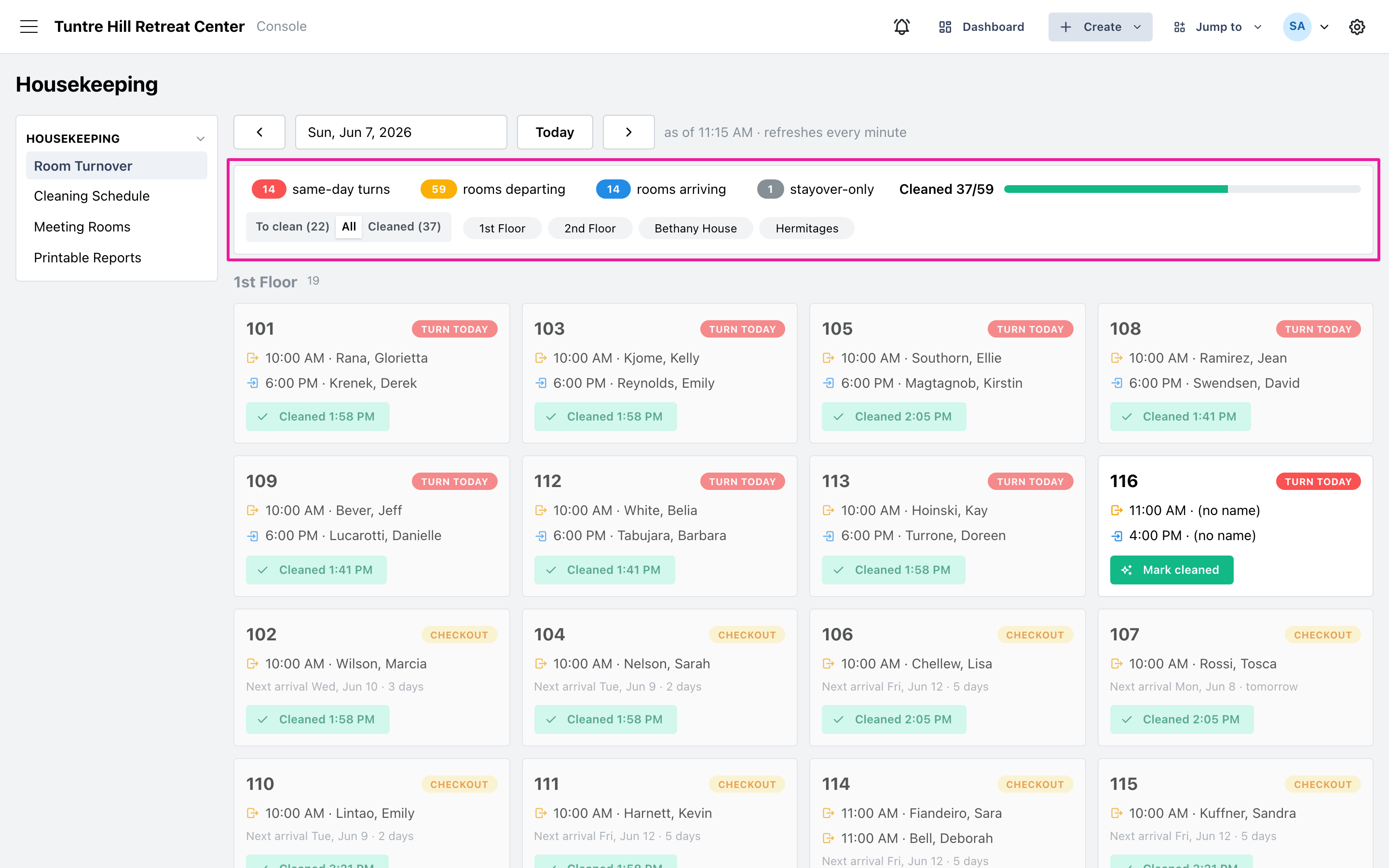
The Room Turnover board in Retreat Portal shows your housekeeping day at a glance — every room with a departure, arrival, or overnight guest, built straight from your reservations. Housekeepers use it to see what needs cleaning and check rooms off; the front desk uses it to see what’s ready.
Open the board
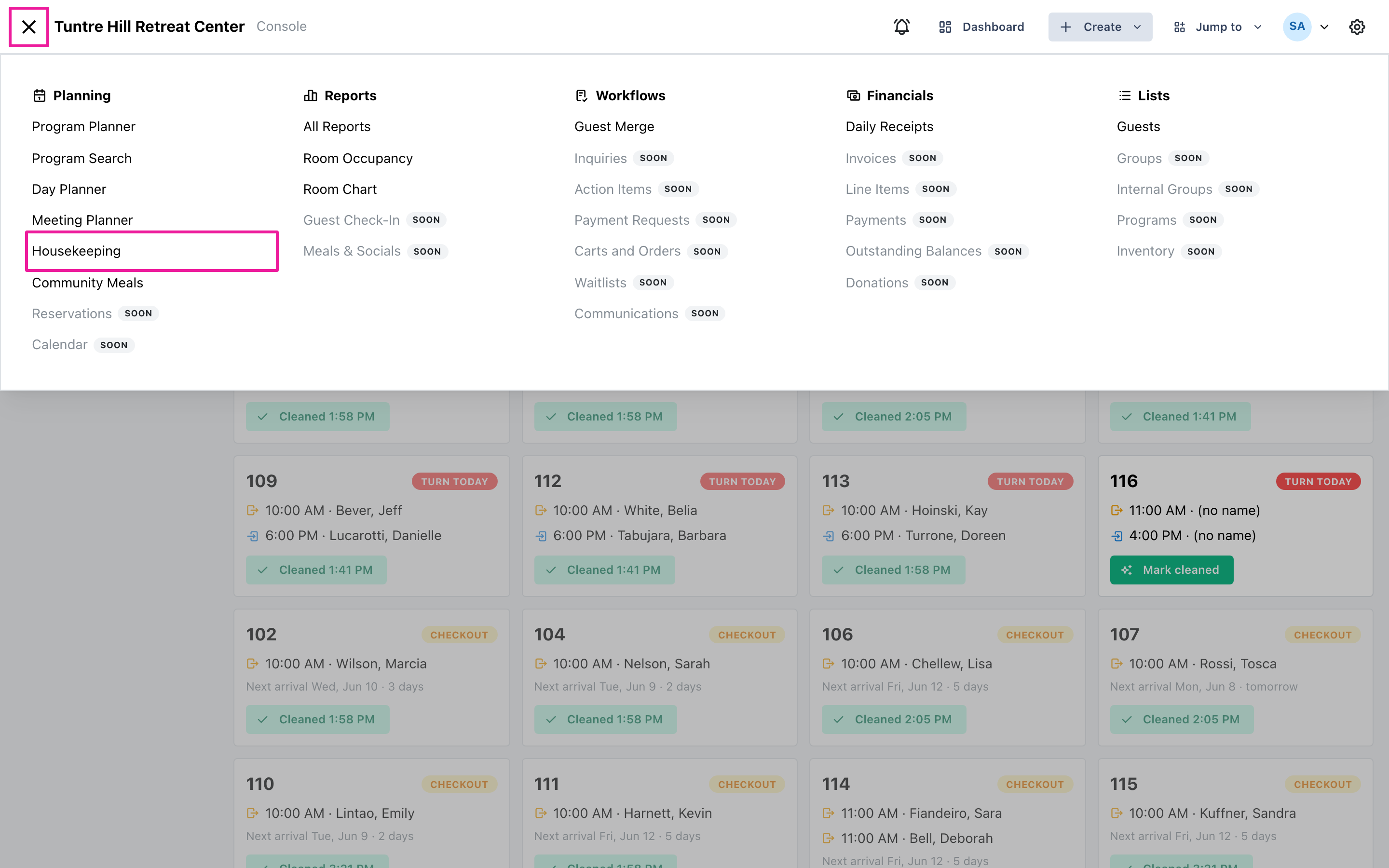
Section titled “Open the board”Click the menu icon on the top-left and select ‘Planning’ > ‘Housekeeping’. The board is the first page; the menu on the left also holds the ‘Cleaning Schedule’, ‘Meeting Rooms’, and ‘Printable Reports’ pages covered in the other housekeeping tutorials.
Pick the day
Section titled “Pick the day”The board opens on today. Use the date picker or the arrow buttons to look at any other day, and the ‘Today’ button to jump back. The board refreshes itself every minute — the “as of” time next to the date shows the last refresh — so a screen at the housekeeping station stays current on its own. Future days are view-only forecasts: you can see the workload coming, but cleaning is recorded on the day itself.
Read a room card
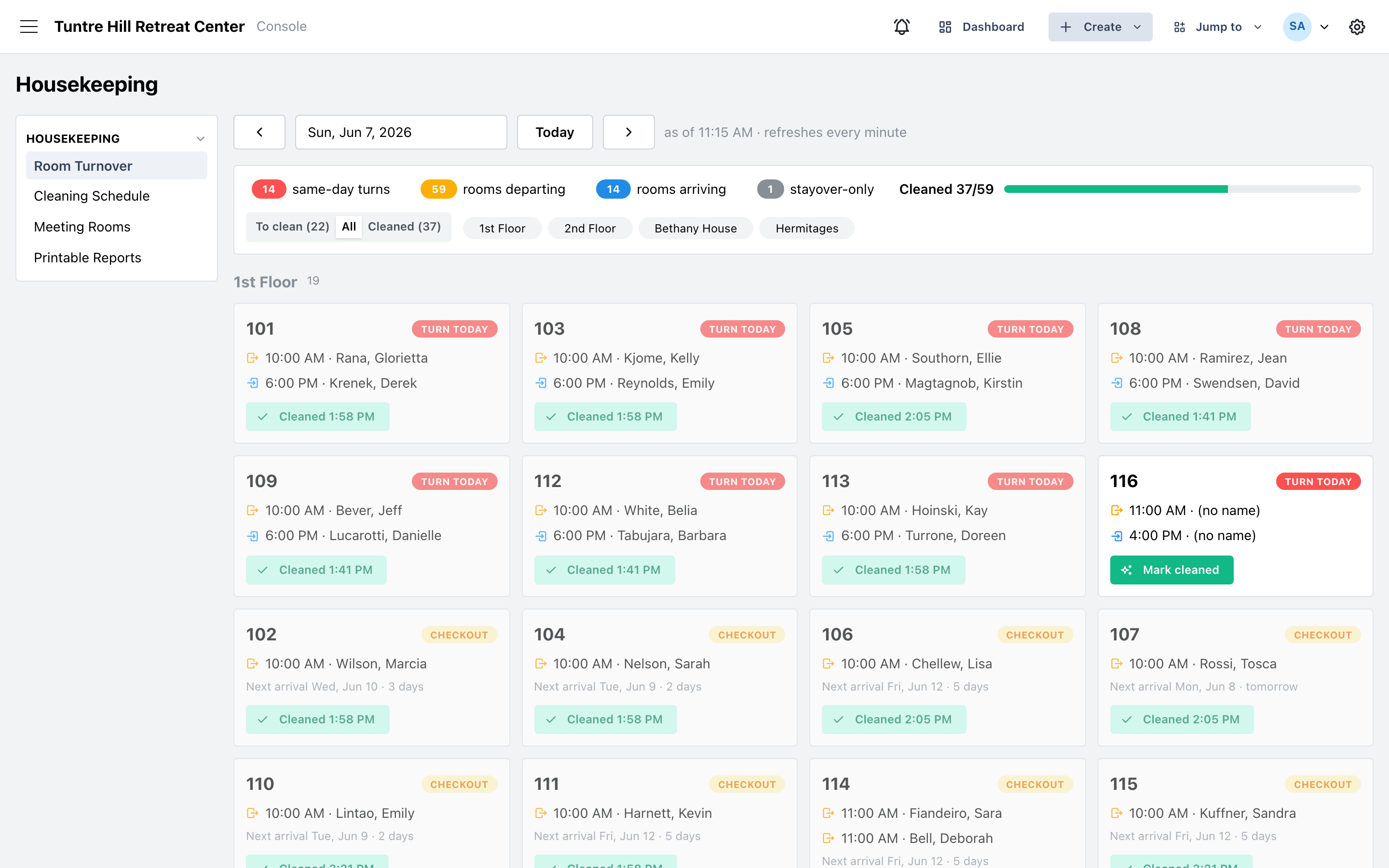
Section titled “Read a room card”Each card is one room. The badge on the right names the task — ‘Turn today’, ‘Checkout’, ‘Arrival’, ‘Stayover’, and so on; Reading the Board explains every badge. Below it, each line is a person: who departs and when, who arrives and when, and who is staying through (with their leave date). Rooms with a departure but nobody arriving today show the ‘Next arrival’ date instead, with a “tomorrow” or “2 days” hint — the breathing room before the room is needed again.
The counts across the top
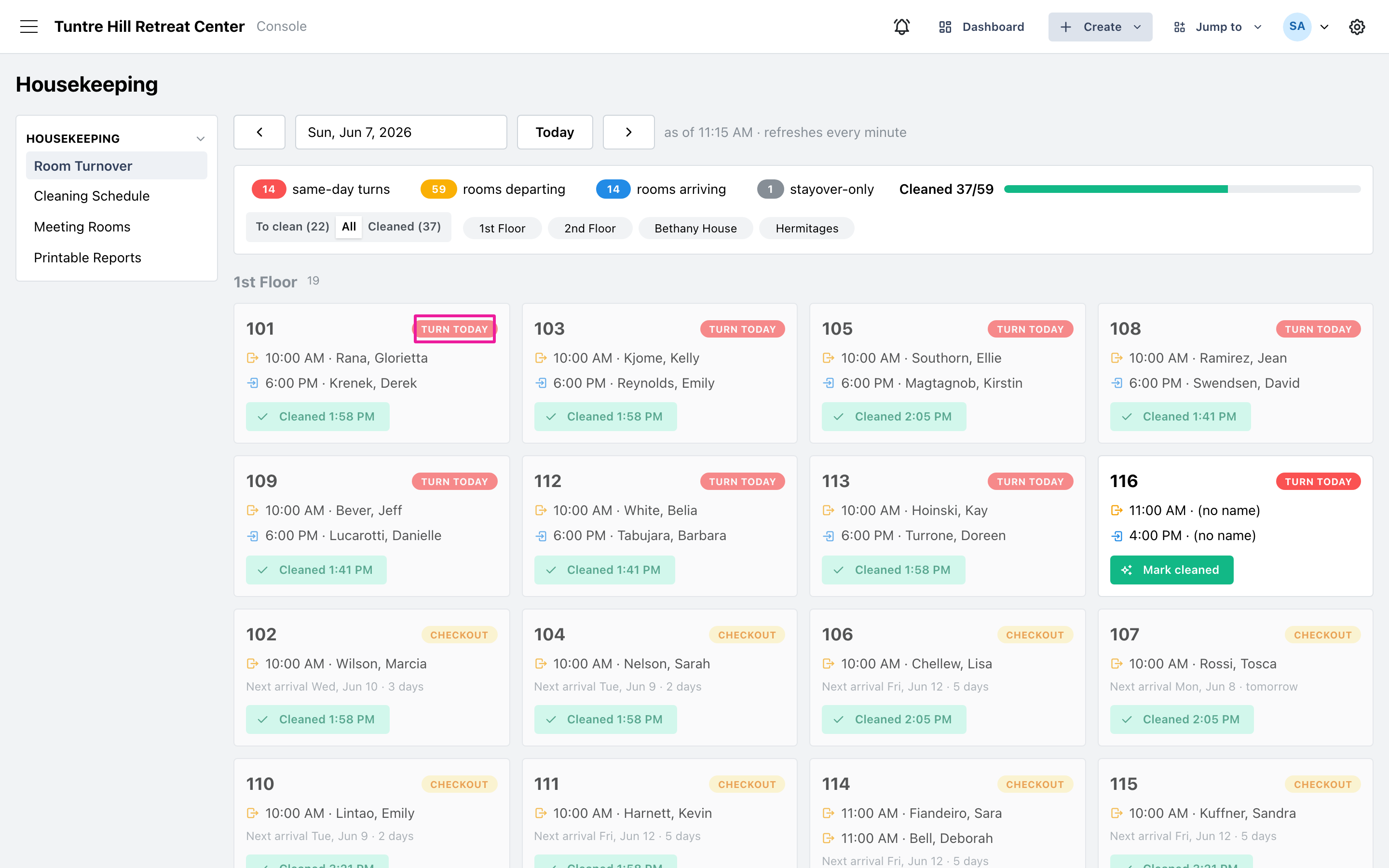
Section titled “The counts across the top”The chips summarize the day: same-day turns, rooms departing, rooms arriving, stayover-only rooms — and when any exist, still-dirty rooms from earlier days. Click a chip to see only those rooms; click it again to clear. The ‘Cleaned’ bar on the right tracks progress toward a fully cleaned house.