
Revenue by Code
Revenue by Code answers the bookkeeper’s question: what did the center earn in a date range, by bookkeeping code and line type? Where Daily Receipts shows the money that arrived (the cash view), this report dates each charge by the days it was for — a week-long stay earns a seventh of its room charge on each of its seven days — so a month’s total is the revenue earned in that month, no matter when it was paid.
Open Revenue by Code
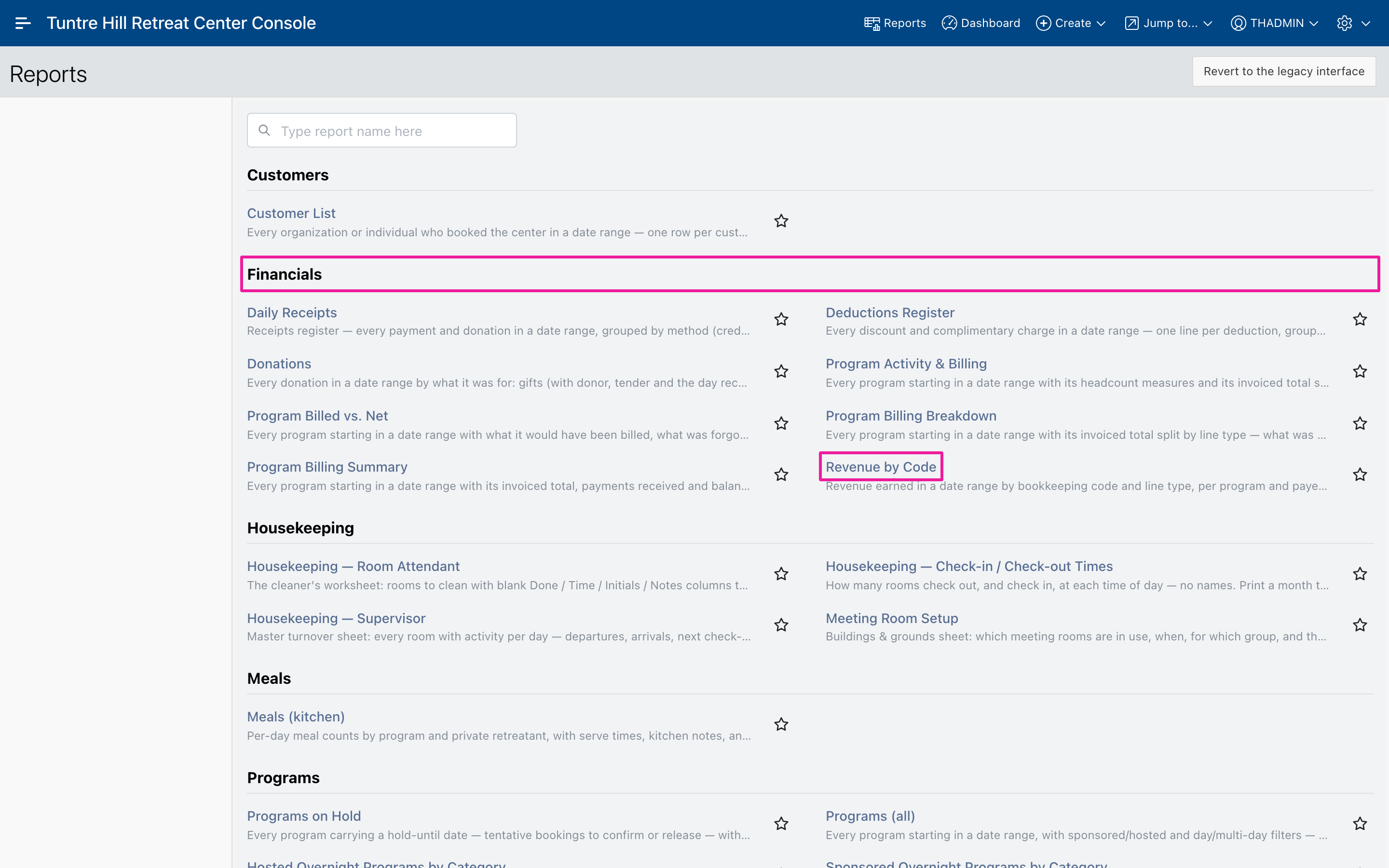
Section titled “Open Revenue by Code”Click ‘Reports’ on the top bar, then find ‘Revenue by Code’ in the Financials section.
Read the sections
Section titled “Read the sections”‘Service days’ picks the stretch of earned days. The report rolls up by bookkeeping code, then by line type inside it, with one row per program and payer. Each row carries the program’s ‘Status’ — Planned, Ongoing, or Completed, or Cancelled or Deleted for a program that didn’t run — and the ‘Program status’ filter narrows by it; it starts on ‘All’, so a dead program’s revenue lines stay visible until you filter them out. Until your line types carry bookkeeping codes, everything sits in one ‘(unassigned)’ section and the line-type rollup is the useful cut — the code sections fill in on their own once codes are assigned.
The ‘Include house (potential) lines’ switch is off to start: held rooms on your own sponsored programs and the center’s shared items are potential revenue, not earned revenue, so they stay out of the totals unless you ask — and when included, they appear as their own payer rows.
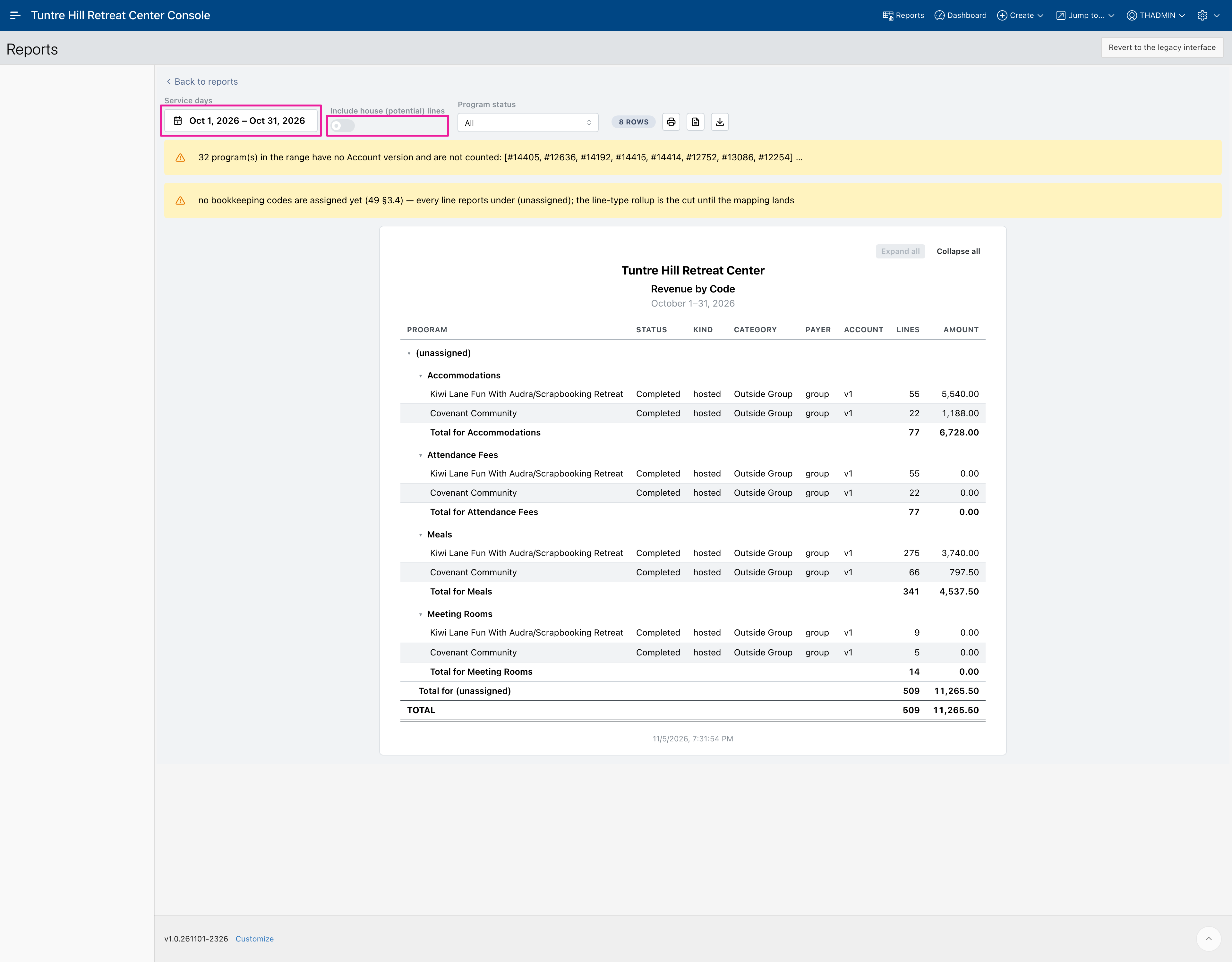
The report covers programs with a pinned billing version; any program in the window without one is named in a warning at the top rather than silently skipped. Use the printer icon to print it, or the two icons beside it to export a Word document or a CSV file.