
Meeting Room Schedule by Room
Meeting Room Schedule by Room is the Meeting Room Schedule resorted for walking the building: under each day, every room in house order, with its bookings in time order. Same bookings, same setup notes and equipment — but where the schedule answers “what’s happening when?”, this one answers “what does this room have today?”
Open Meeting Room Schedule by Room
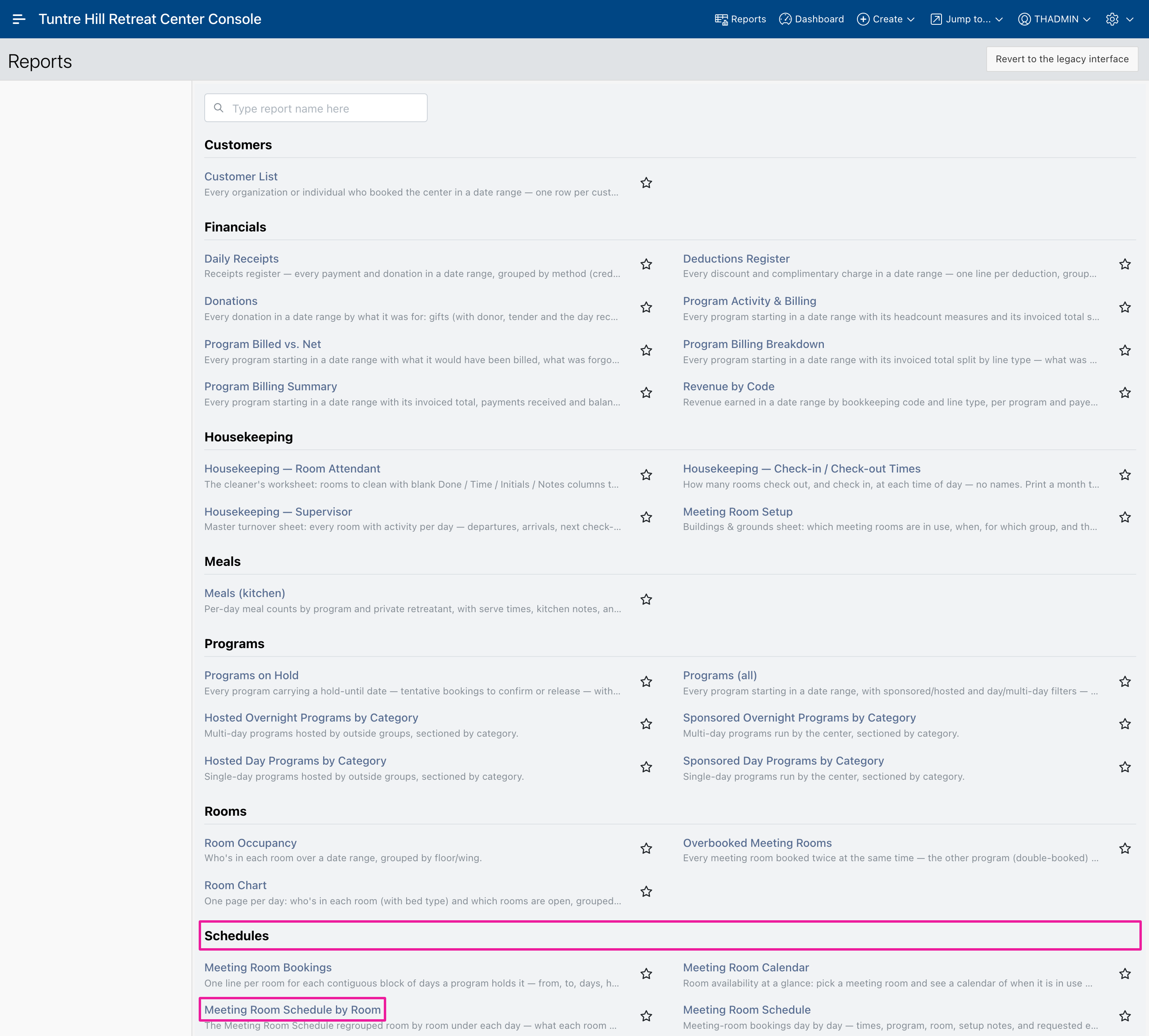
Section titled “Open Meeting Room Schedule by Room”Click ‘Reports’ on the top bar, then find ‘Meeting Room Schedule by Room’ in the Schedules section.
Read it room by room
Section titled “Read it room by room”Pick the days under ‘Days’ — it opens on this week. Each day lists its rooms in house order, and each room its bookings in time order, with the group or program, the hours, and — with the ‘Setup notes’ and ‘Equipment’ switches on — what to put in the room. Turn on ‘Show empty rooms’ and every active room appears under every day, with ‘No bookings’ where nothing is scheduled — the version to carry when you’re checking the whole building, not just the busy rooms.
If two different programs are booked into the same room at overlapping times, the booking’s time is marked ‘(double-booked)’ — worth a look before the groups arrive, since nothing in the system prevents it.
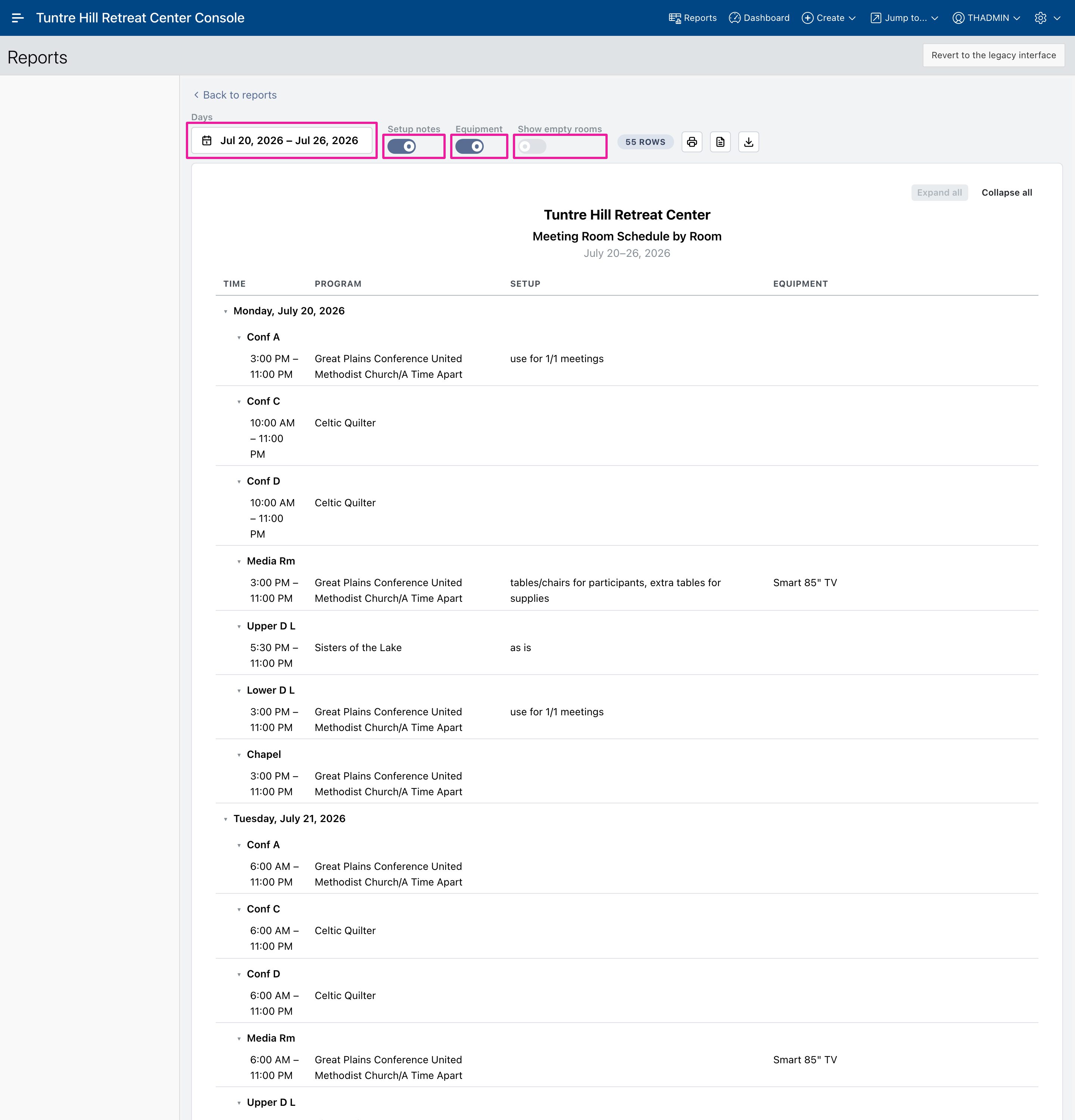
Use the printer icon to print it, or the two icons beside it to export a Word document or a CSV file.