
Program Schedule
The Program Schedule lays out each day at your center: what’s ongoing, what’s starting (and at what time), and what’s ending. Programs and private retreats appear together, each with its head count — it’s the page to print for the week’s staff meeting, or to post so everyone knows who’s on the property.
Open Program Schedule
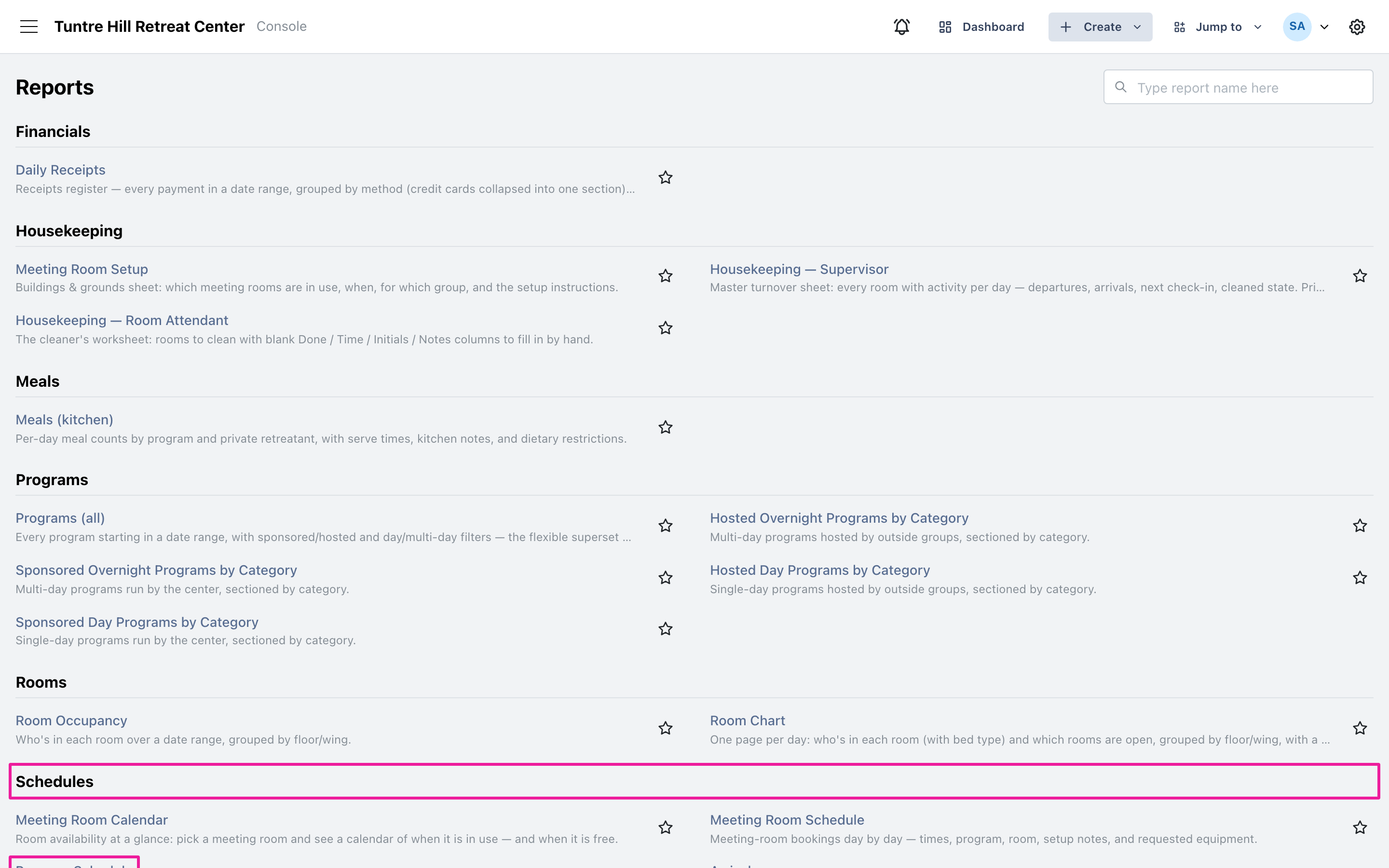
Section titled “Open Program Schedule”Click the menu icon on the top-left and select ‘Reports’ > ‘All Reports’, then find ‘Program Schedule’ in the Schedules section.
Pick the days and kinds
Section titled “Pick the days and kinds”The report opens on the current week; click the date range button to run any other stretch. The three switches — ‘Sponsored’, ‘Hosted’, and ‘Private retreats’ — choose which kinds of stays appear, and all three start on.
Read the schedule
Section titled “Read the schedule”Each day starts with what’s Ongoing (no time — they’re mid-stay), then lists what’s Starting and Ending with the exact time. ‘Guests’ is each program’s head count, and the day’s total at the bottom is everyone on the property that day. Day programs show their full time span in the ‘Time’ column.
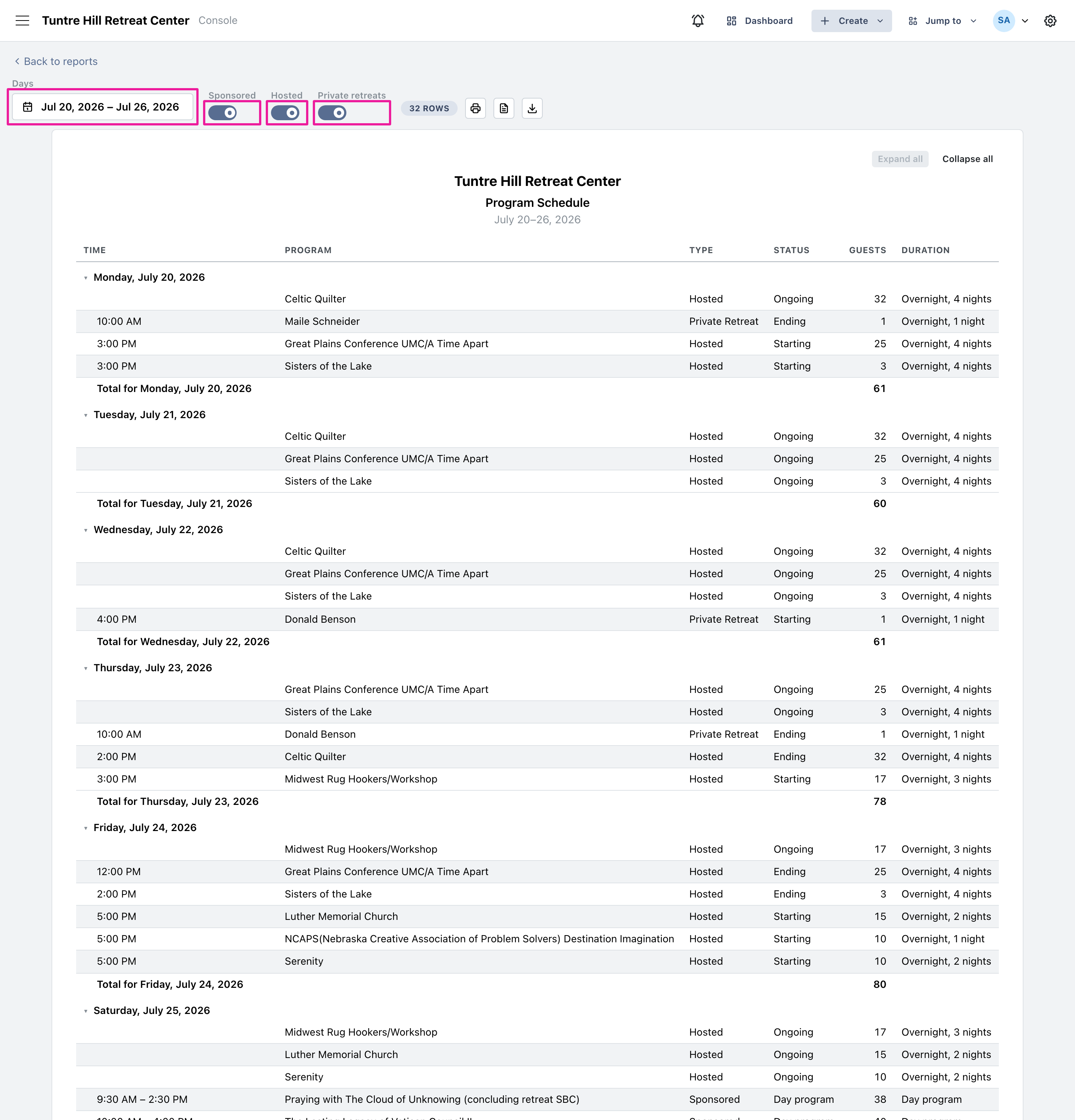
Use the printer icon to print it, or the two icons beside it to export a Word document or a CSV file.