
Program Activity & Billing
Program Activity & Billing puts a season on one spreadsheet: every program starting in a date range, with the headcount measures from Programs (all) and the billed amounts from the Program Billing Breakdown side by side on one row per program. It runs wide by design — this is the report to export when you want to answer “how did attendance drive revenue?” in your own spreadsheet, not one to print.
Open Program Activity & Billing
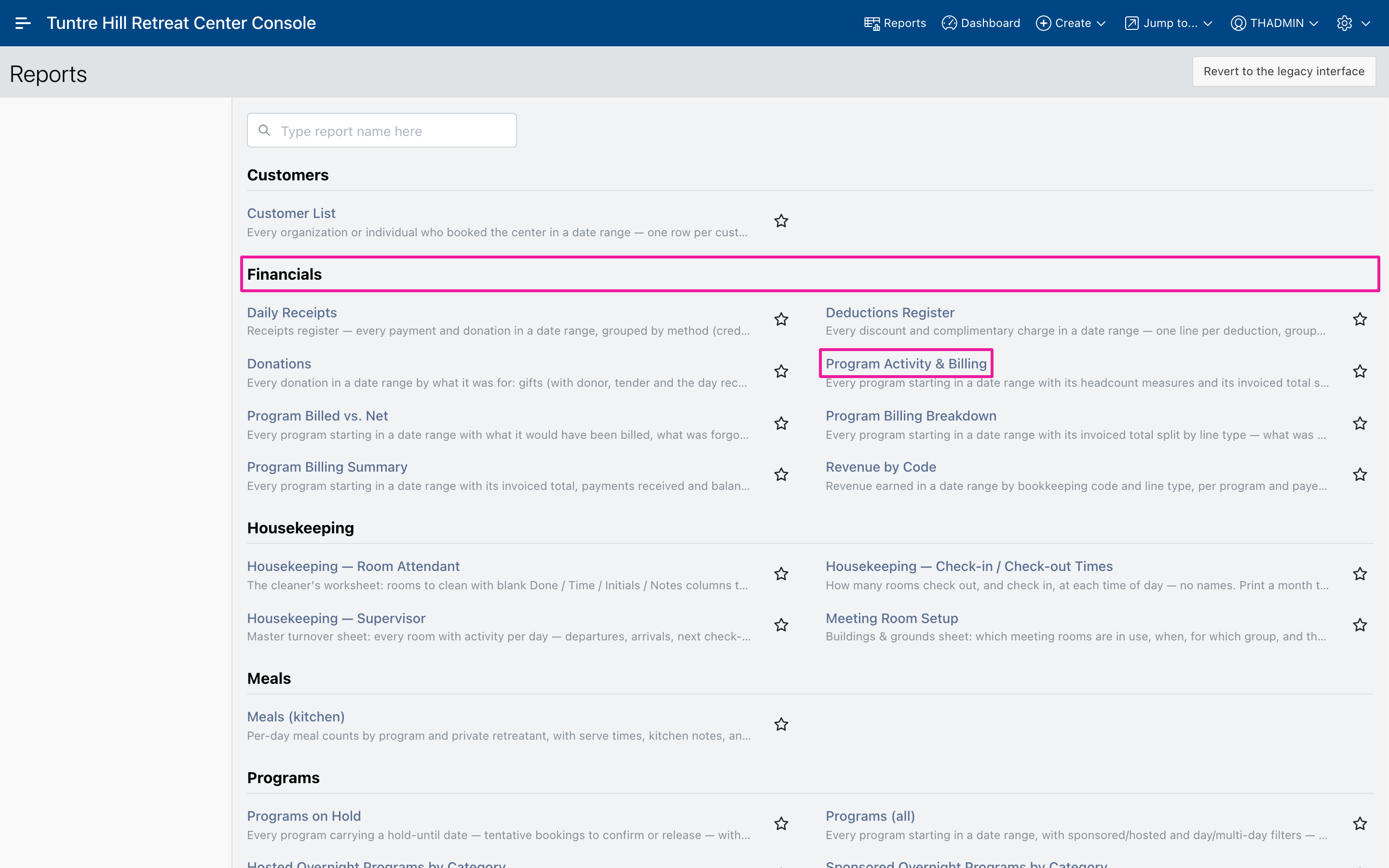
Section titled “Open Program Activity & Billing”Click ‘Reports’ on the top bar, then find ‘Program Activity & Billing’ in the Financials section.
Pick the range and filters
Section titled “Pick the range and filters”The filters are the Program Billing Summary’s: ‘Program starts in’ for the stretch of start dates, ‘Type’, ‘Duration’, and ‘Categories’ to narrow the programs, ‘Balance’ to keep only settled (‘Zero’) or still-owing (‘Non Zero’) programs, and ‘Status’, which starts on ‘Live’ (every program not cancelled or deleted) and narrows to ‘Planned’, ‘Ongoing’, or ‘Completed’ — or brings cancelled and deleted programs in with ‘Cancelled’, ‘Deleted’, or ‘All’. The other filters start wide open.
Read a row
Section titled “Read a row”Each program’s row runs left to right through what happened and what it billed: the program’s identity with both ‘Ends’ and ‘Status’, the headcount block — ‘Nights’, ‘Head count’, ‘Named’, ‘Unnamed’, ‘Day guests’, ‘Guest-nights’, ‘Guest-days’ — and then the money: ‘Invoices’, one column per line type, ‘Invoiced’, ‘Paid’, and ‘Balance’. When your center’s payment methods are classed by how they settle, ‘Paid’ narrows to money actually received, and ‘Transferred’, ‘Written off’, and ‘Price adjustments’ join the money block whenever a program in the range settled that way.
The deduction memo columns
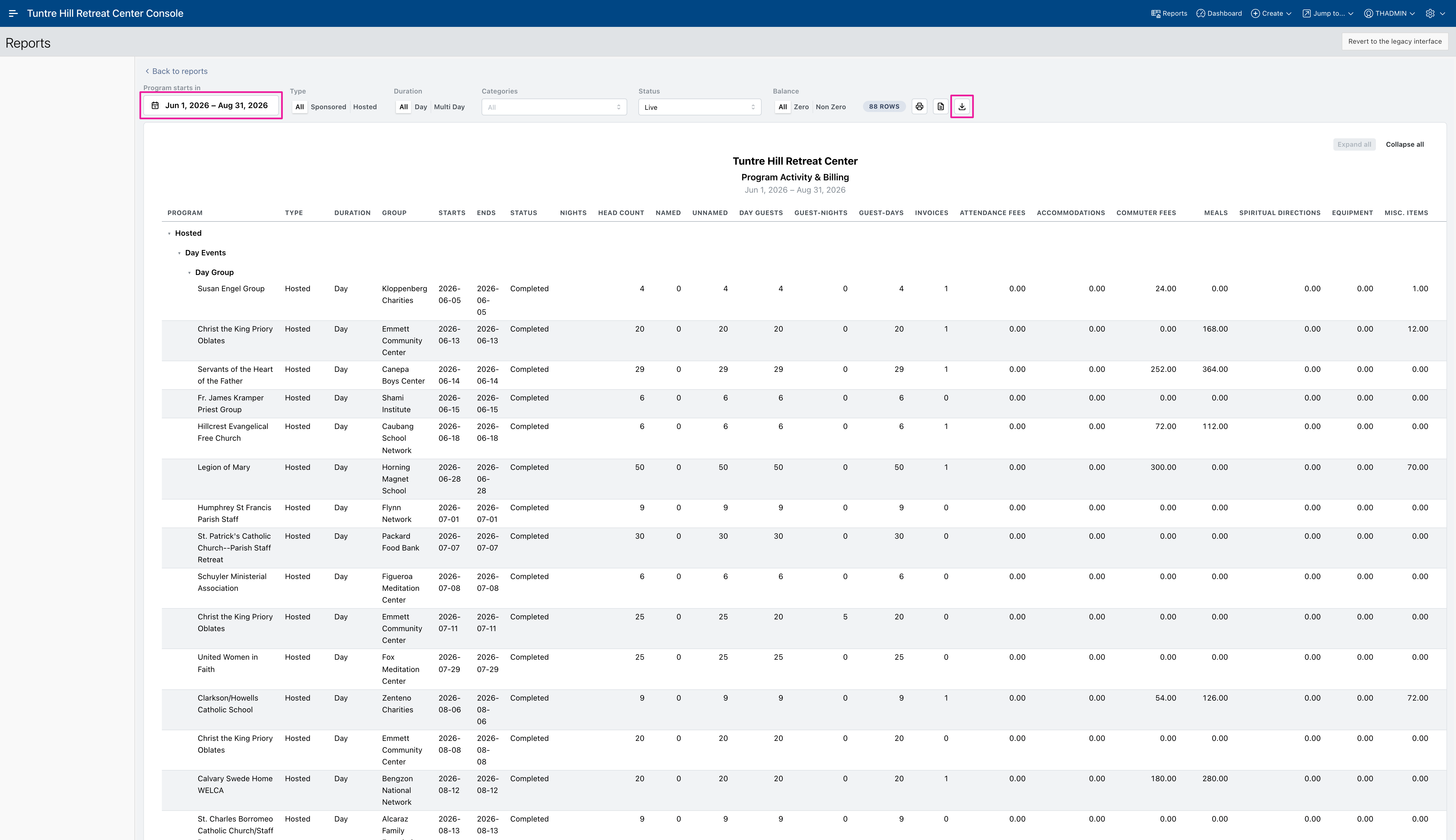
Section titled “The deduction memo columns”When any program in the range carries a discount or a complimentary charge (see Deduct a Charge), two more columns appear after ‘Invoiced’: ‘Discounted (memo)’ and ‘Complimentary (memo)’, each the program’s total of that deduction type. They are memo fields for the finance team, not further subtractions from the invoice. The deductions are already inside the line-type columns and ‘Invoiced’, so don’t take them off again; read them as what the program would have been billed without the break. Line by line, the same deductions are in the Deductions Register, and Program Billed vs. Net turns them into a gross-versus-net view on the same rows.
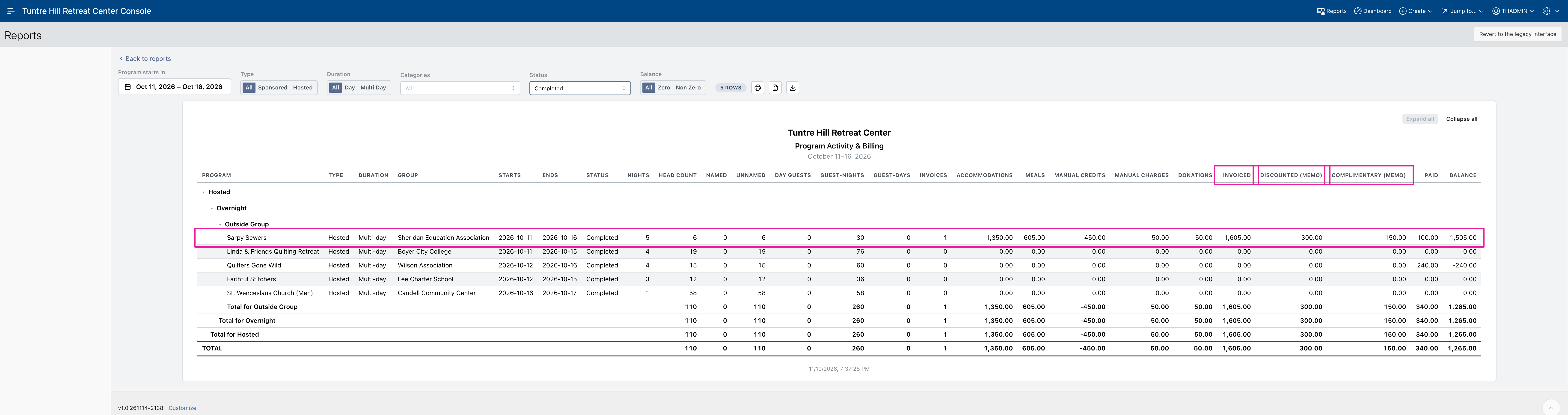
Use the CSV export icon to take it to a spreadsheet — that’s what this report is for. The printer and Word icons work too, but at this width the CSV is the practical output.