
Meeting Room Bookings
Meeting Room Bookings is the compact companion to the Meeting Room Schedule. The schedule prints one line per booking per day — thorough for the setup crew, but a program holding eight rooms Friday to Sunday is twenty-four lines. This report prints one line per room for each unbroken stretch of days a program holds it: from, to, how many days, the hours, and who else is booked into the room in between. It’s the report for answering “who has which rooms next weekend?” on one page.
Open Meeting Room Bookings
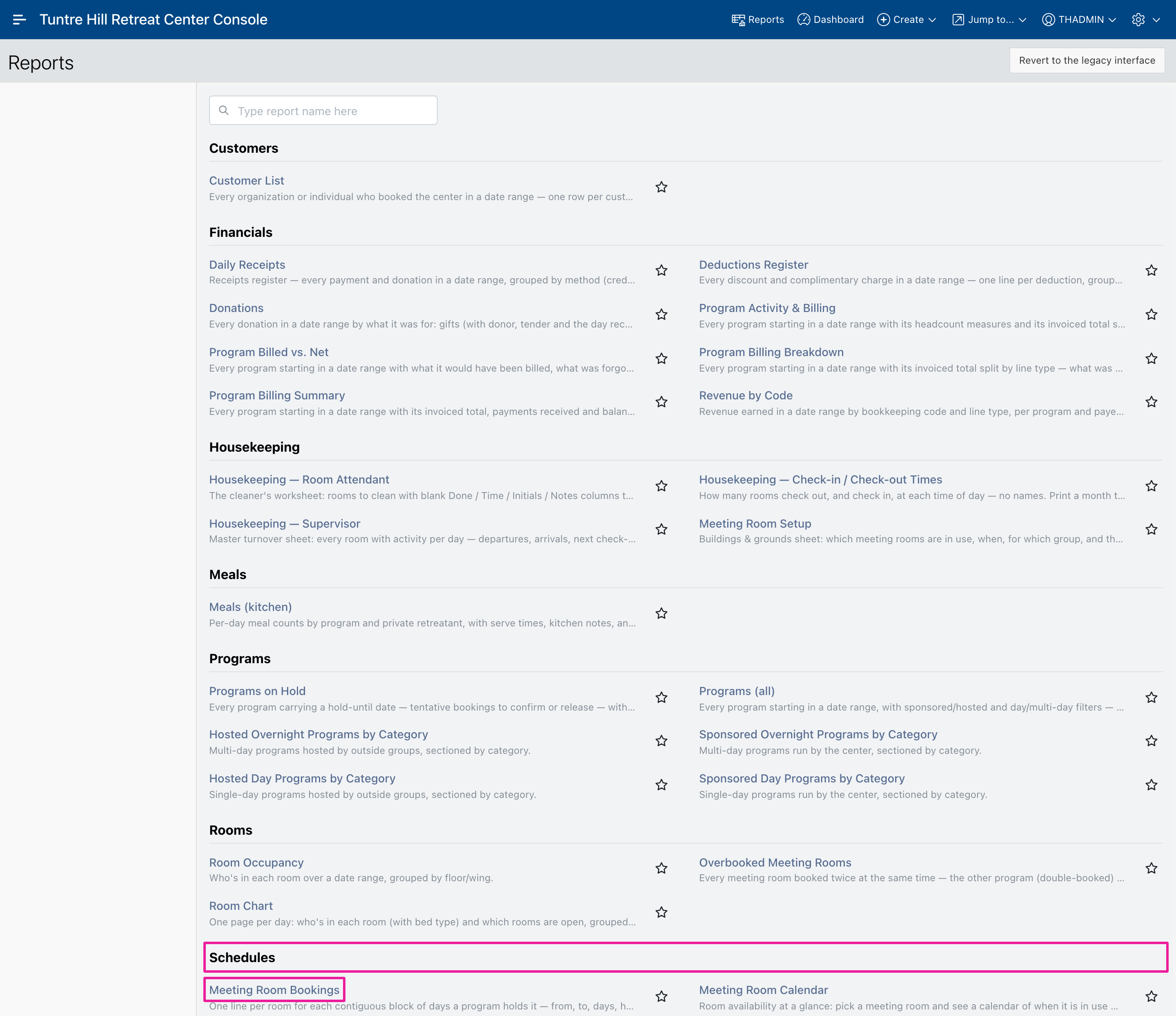
Section titled “Open Meeting Room Bookings”Click ‘Reports’ on the top bar, then find ‘Meeting Room Bookings’ in the Schedules section.
Read the bookings
Section titled “Read the bookings”Each program is a section, with one line per room it holds. A room held around the clock reads as its whole span — ‘Fri 4:00 PM → Sun 12:00 PM’ — while rooms booked for part of each day keep their daily hours. The ‘Also booked’ column is the small print on a hold: it lists any other program booked into that room inside the span, and calls out a double-booking in time when one exists — blank means the room is yours for the whole stretch. The ‘Setup notes’ and ‘Equipment’ switches add those columns when the setup crew needs them.
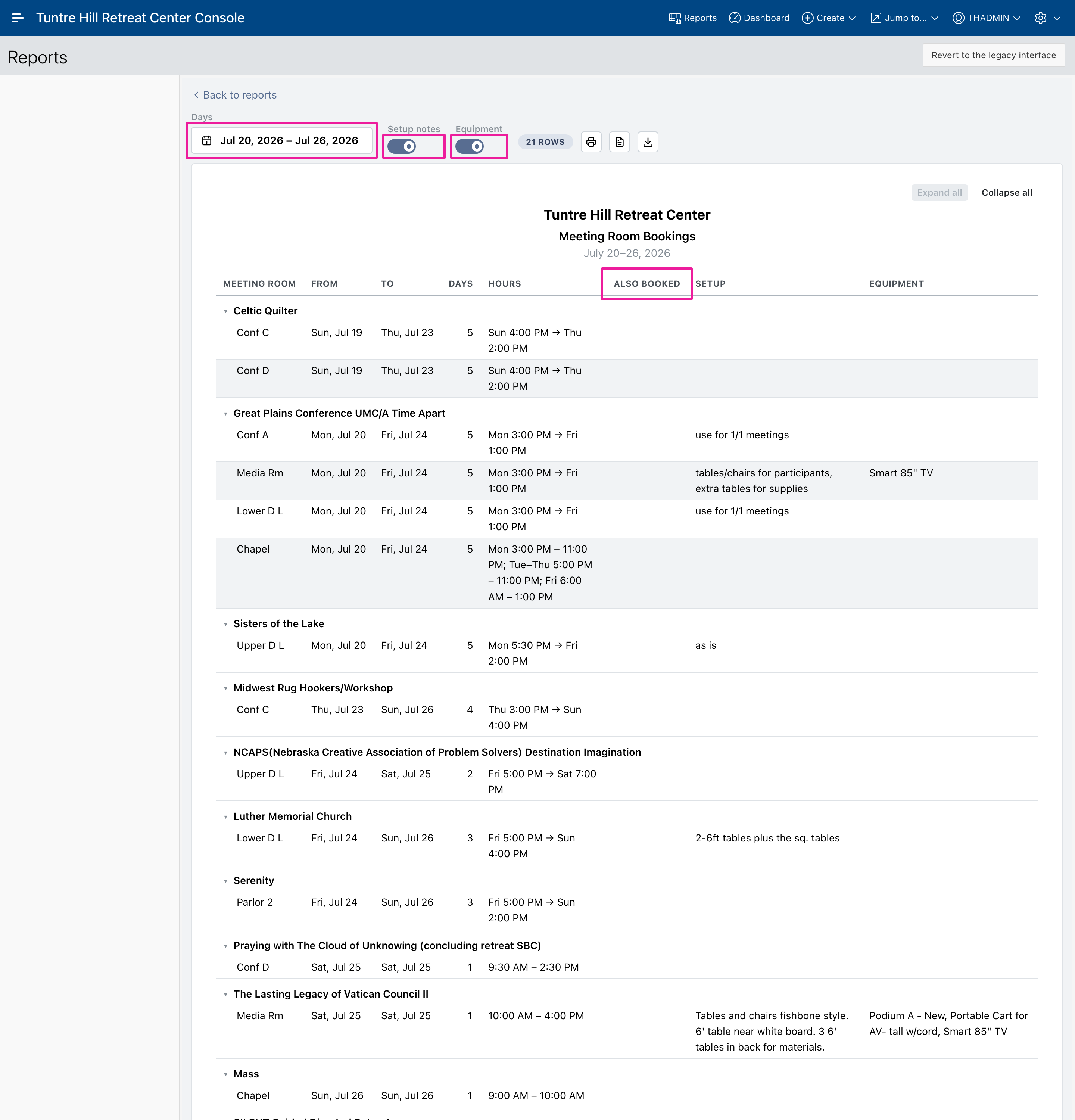
Use the printer icon to print it, or the two icons beside it to export a Word document or a CSV file.