
Marking Rooms Cleaned
When a room is turned over, check it off on the Room Turnover board. That’s the only thing housekeeping records — everything else on the board comes from your reservations, so there is nothing else to keep up to date.
Mark a room cleaned
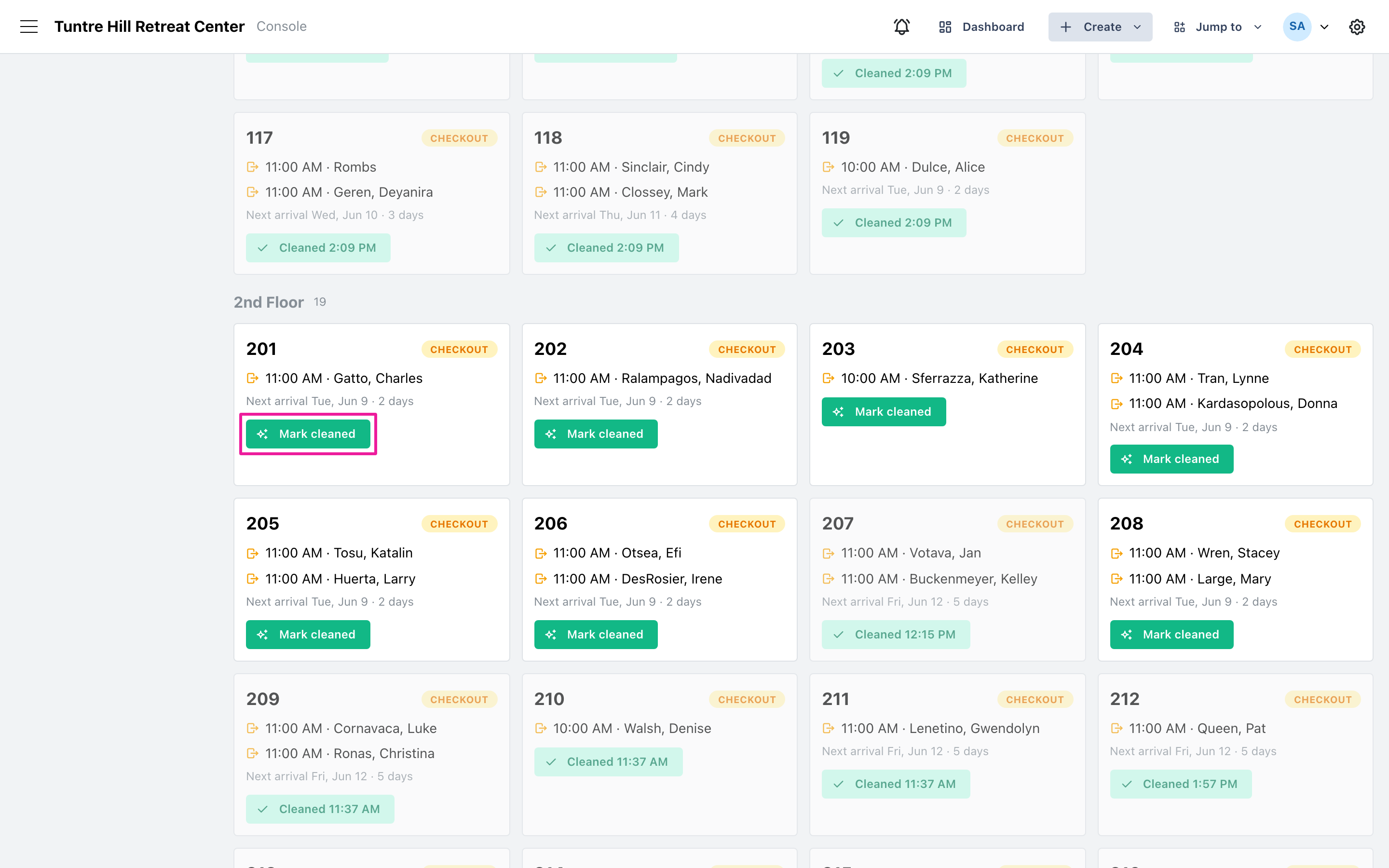
Section titled “Mark a room cleaned”Find the room’s card and click ‘Mark cleaned’. The card fades, the button changes to show the time, and the progress bar at the top moves.
Undo a mistake
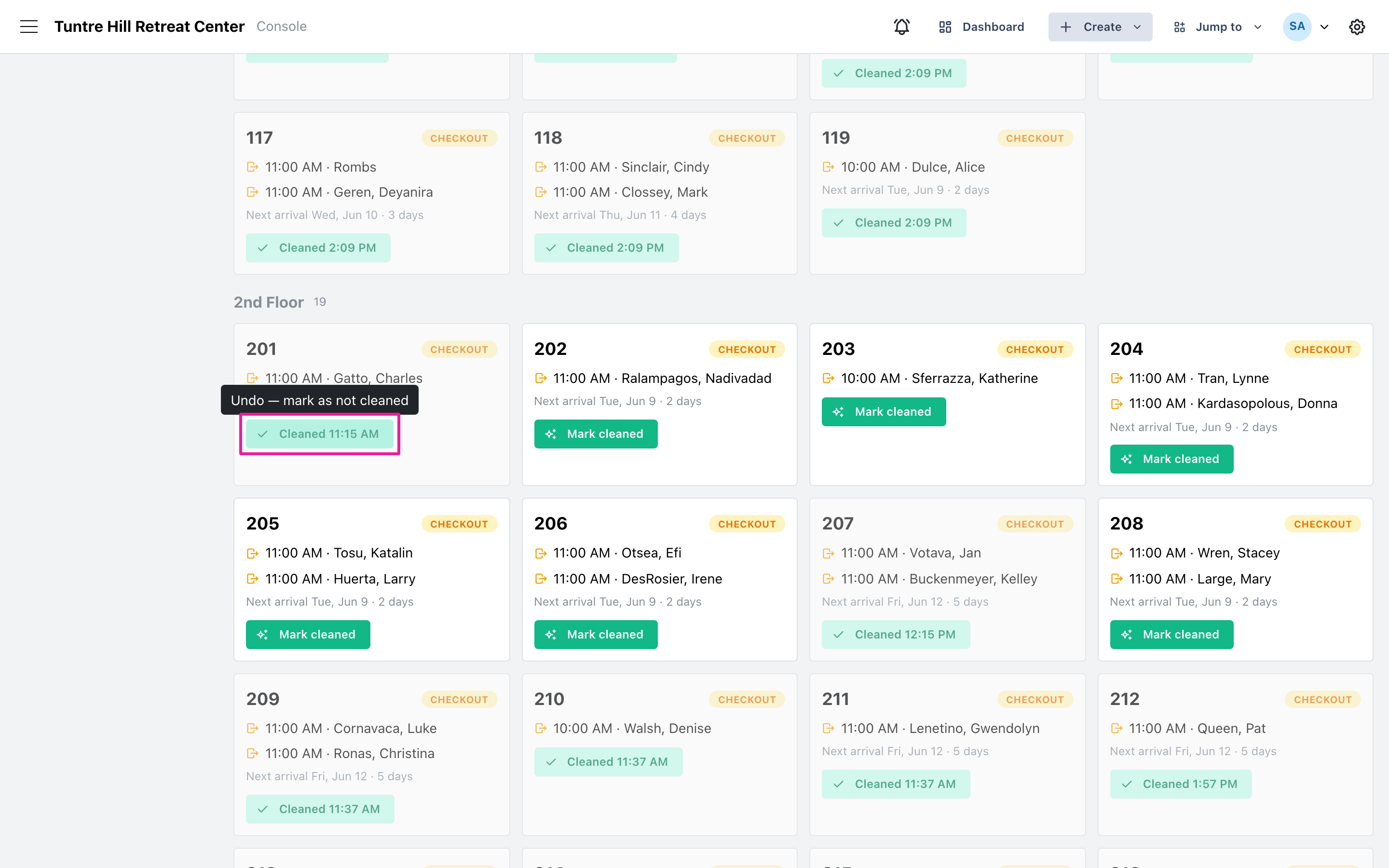
Section titled “Undo a mistake”Clicked the wrong room? Click the ‘Cleaned’ button again and it reverts to not cleaned.
Work from the To clean view
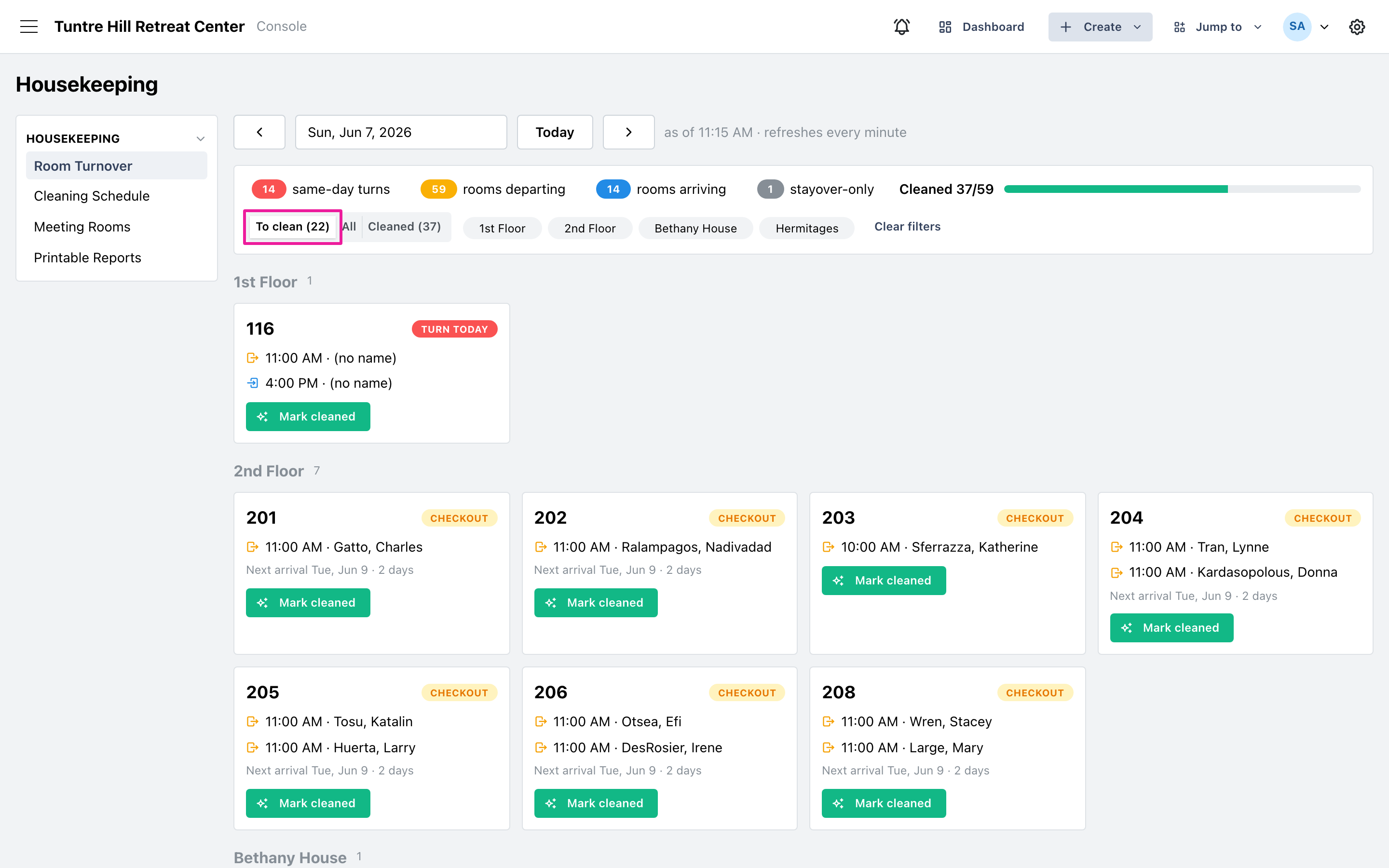
Section titled “Work from the To clean view”Switch the view from ‘All’ to ‘To clean’ and the board shows only rooms still waiting, with the count in the button. As rooms are checked off they drop out of the view, and an empty page means the house is done. ‘Cleaned’ shows the opposite slice — everything finished, with times.
Rooms from a previous day
Section titled “Rooms from a previous day”A room that never got checked off shows up on later days as ‘Still dirty’. Mark it cleaned the same way — Retreat Portal records it against the day the guest actually left. See Still Dirty: Catching Up on Missed Rooms.